Control access

Access control for
residential communities.

Define who can enter, where, when and by which method. Onzane connects people, permissions and devices so access is not spread across isolated systems.

See how access control works

Person, place and rule

Every opening responds
to a valid permission.

The community manages access as one complete process. A credential opens only when the person, space and time comply with the configured rules.

  1. 01 Identify

    Link access to a resident, visitor, employee, provider or vehicle.

  2. 02 Authorise

    Set spaces, dates, times and conditions such as a booking or an available pass.

  3. 03 Activate

    Use the app, QR, NFC, RFID, Bluetooth, number plate or another compatible credential.

  4. 04 Record

    Keep a history of use, incidents and revoked permissions.

01 People, spaces and times

A permission joins who, where and when.

Permissions are configured in the panel and assigned to the right person or item. Each door or facility then applies the community rules without relying on external lists.

  • Permissions by property, resident, profile or vehicle.
  • Validity by date, day and time slot.
  • Temporary access for visitors and providers.
  • Permissions linked to bookings or pass programmes.
  • Usage history and immediate revocation from the panel.
View access permissions
Creating an access permission in the Onzane management panel
01Permissions centralised in the management panel
02 Flexible credentials

Digital and physical passes for every access method.

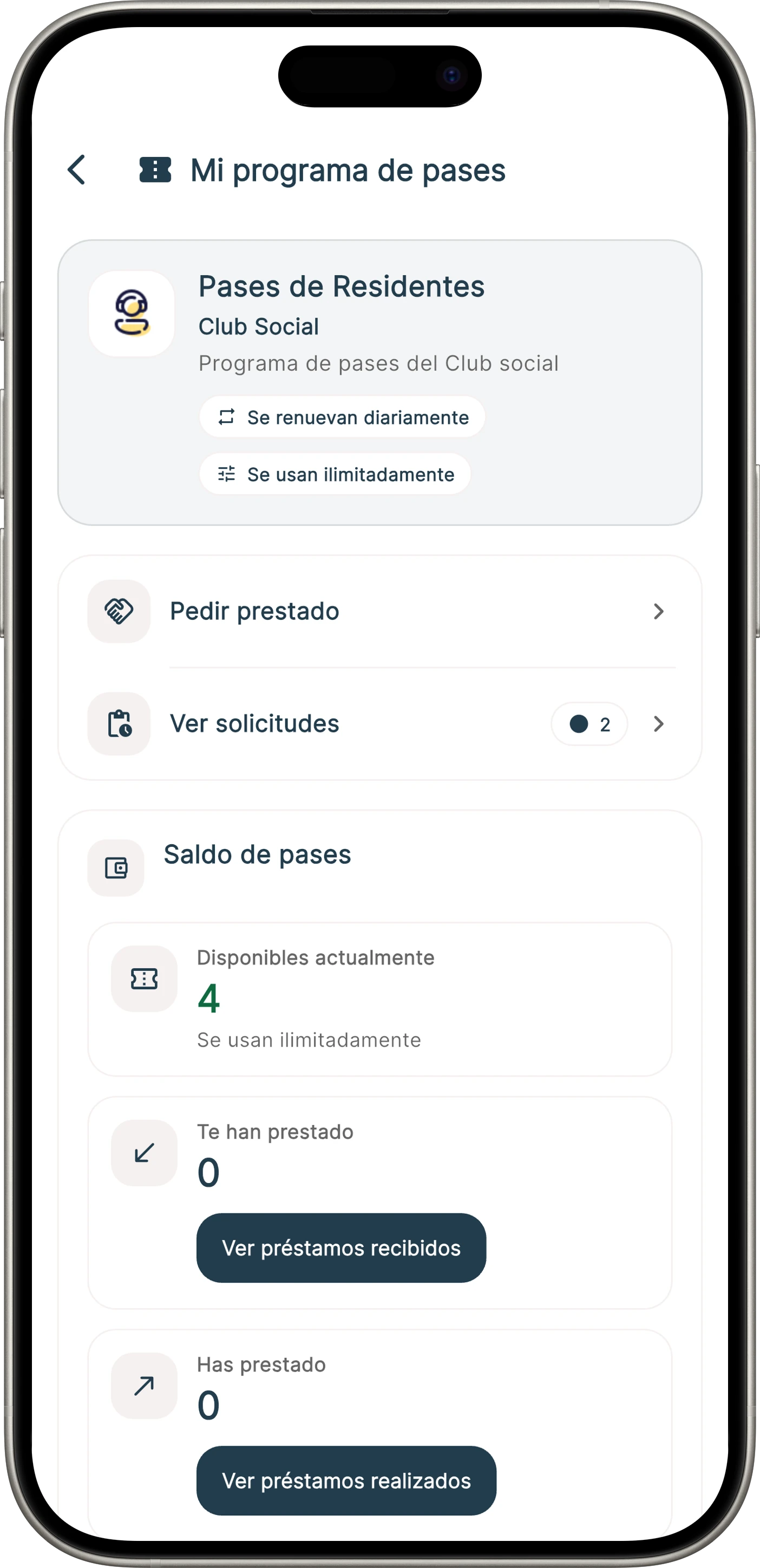
The community can distribute entry rights without losing control. Passes cover recurring access, transfers between neighbours and limited invitations.

  • Pass allowances per property and controlled transfers.
  • Temporary QR codes with an expiry date.
  • NFC or RFID cards, key fobs and wristbands.
  • Automatic device validation or manual validation with Onzane Staff.
  • Different rules by facility, season or profile.
View pass programmes
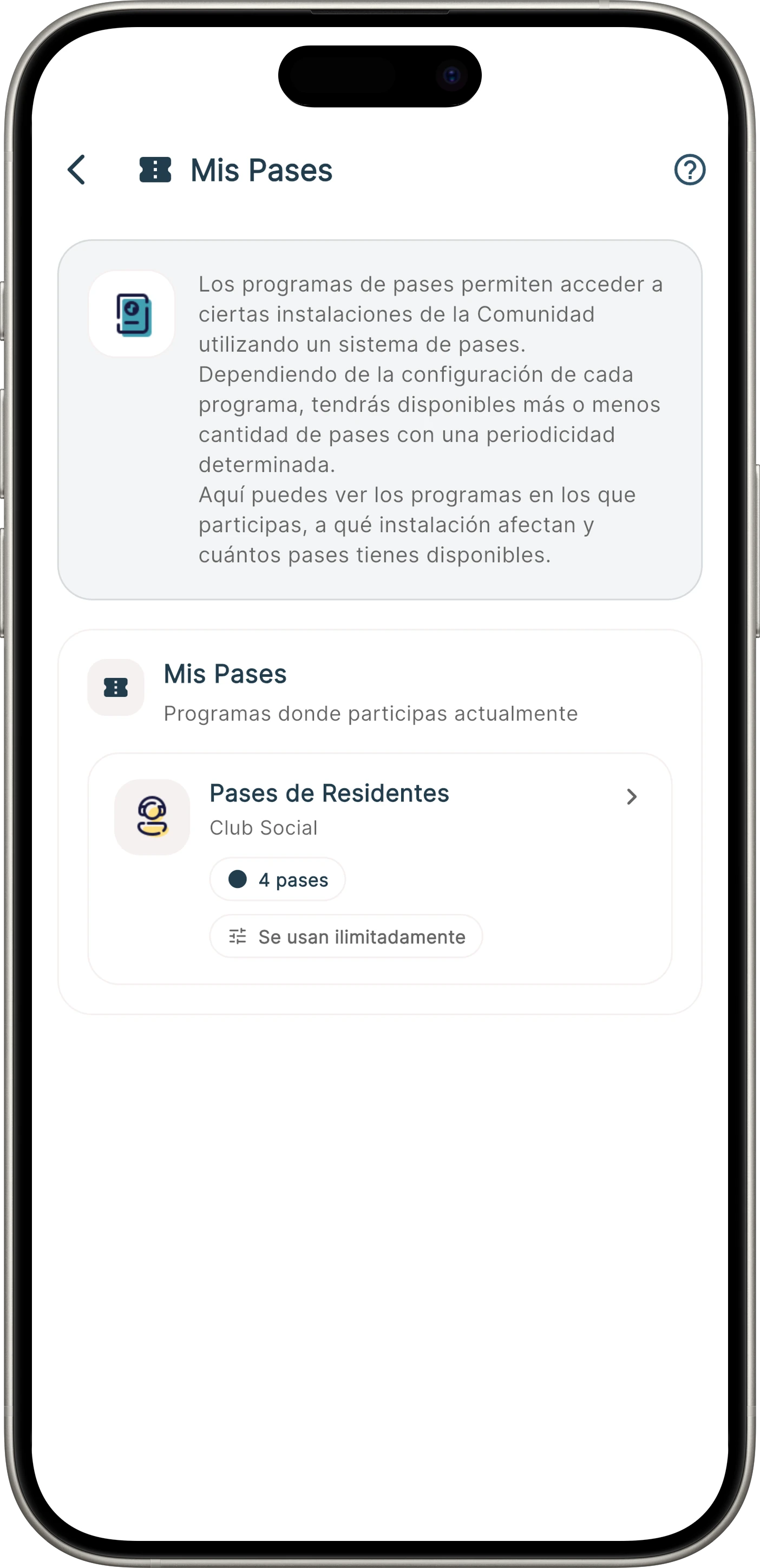
Community pass programme in the Onzane app
02Passes available from the Onzane app
03 Season, guests and capacity

The pool applies its rules without relying on lists.

Onzane takes the rights defined by the community to the entrance: who may enter, how many guests they may bring and for which period.

  • Rights and number of passes per property.
  • Guests and transfers between residents.
  • Season calendar, shifts and usage limits.
  • Access by turnstile, connected door or manual validation.
  • Entry records to understand facility use.
View pool access control
Access control at a residential community pool Pool passes available in the Onzane app
03Pool rules applied at every entry
04 Residents, vehicles and providers

The garage no longer depends on uncontrolled remotes.

Garage access can be linked to properties, parking spaces and vehicles. The community remains in control when lending credentials or allowing a one-off entry.

  • Permissions linked to properties and parking spaces.
  • Opening by app, remote, card or tag.
  • Number-plate recognition for authorised vehicles.
  • Temporary access for visitors and providers.
  • Opening history and immediate permission withdrawal.
View garage access control
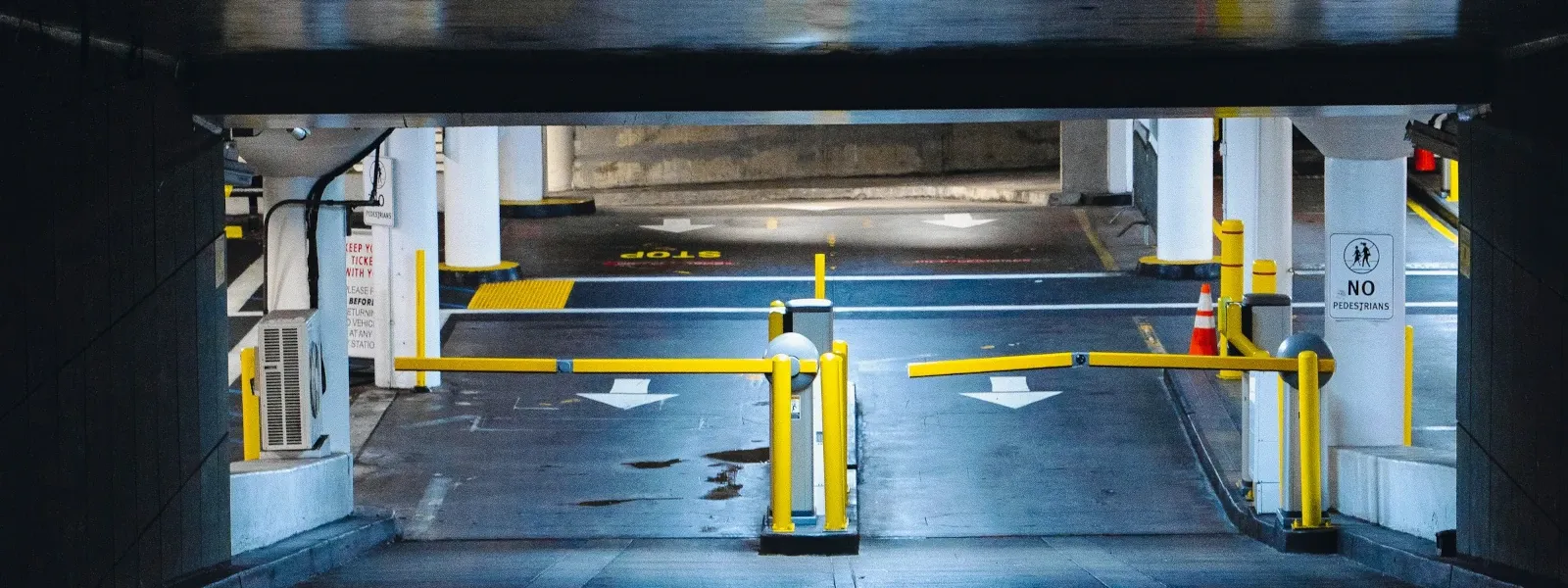
Vehicle entering a residential garage with access control
04Garage access linked to vehicles and permissions
05 From permission to physical space

Software activates doors and other connected elements.

Onzane integrates access control with the right hardware for each point. We assess the existing installation and define the technical combination before deployment.

  • Relays, electric locks and connected controllers.
  • QR, NFC, RFID or Bluetooth readers.
  • Turnstiles and number-plate cameras.
  • Connected or standalone operation depending on deployment.
  • Activation of lighting, climate control or other automations.
View access devices
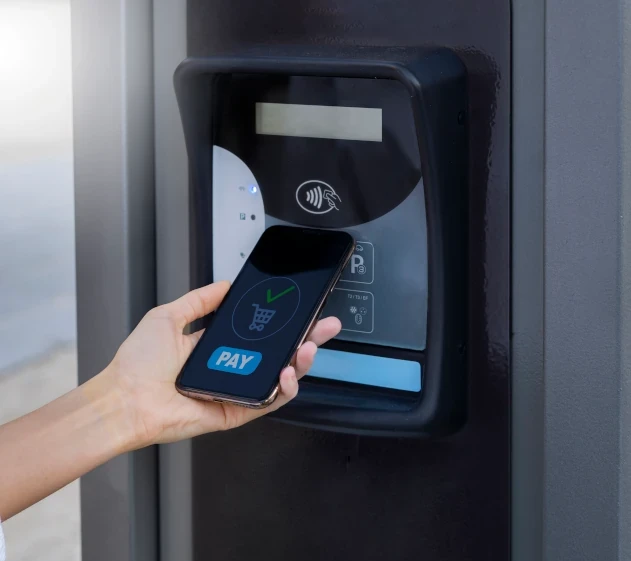
Devices compatible with Onzane access control
05Devices connected to one access policy
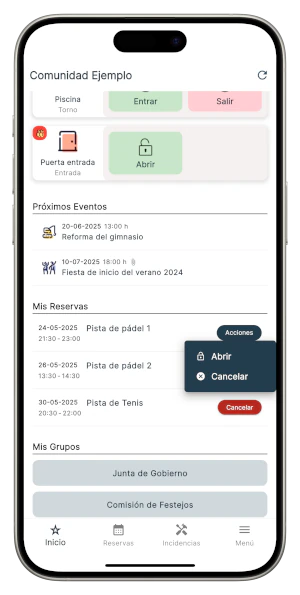
Opening a lock linked to a booking in the Onzane app

Access linked to processes

A booking can
activate the space.

Access control does not work in isolation. A confirmed booking can create the permission, open the facility during the authorised time and activate everything needed to use it.

  • Access is valid only during the booked period.
  • Lighting or climate control can turn on automatically.
  • Opening can record attendance and use.
  • The permission expires without manual intervention.
  • Residents, employees and administrators share the same information.

One rule, different experiences

Each person uses
the right credential.

The community maintains one common policy, although each profile accesses differently and for different periods.

01

Residents

Open from the app or with their usual credential and view available passes.

02

Visitors

Receive temporary authorisation limited to the required place and time.

03

Employees

Access according to shift, role and work area through Onzane Staff.

04

Providers

Enter during the authorised job without retaining permanent permissions.

Before deployment

Questions about
access control.

The solution is adapted to each building after reviewing access points, rules and existing devices.

01Can Onzane use the devices the community already has?

It depends on the manufacturer, model and integration capabilities. Before deployment, we assess the existing hardware and recommend what can remain, be integrated or be replaced.

02Does every access point need an Internet connection?

Not necessarily. Depending on the device and technical design, some points can validate permissions autonomously and synchronise later, while others require connectivity.

03Which opening methods can be used?

Depending on the installation, users can open through the Onzane app or use QR, NFC, RFID, Bluetooth, remotes, number plates and other compatible credentials.

04Can access be limited to a booking?

Yes. A permission can be generated automatically when a booking is confirmed, remain valid during its time slot and expire when it ends.

05Is access control the same as key control?

No. Access control manages permissions and the opening of doors or devices. Key control records where traditional physical keys are and tracks loans and returns.

06Is new hardware required?

A compatible device is required to control a door electronically. Deployment is designed point by point to use what is available and add only what is needed.

Connected access

Let us design the right
control for your community.

We review spaces, rules and devices to propose a realistic deployment connected to the rest of Onzane.

Talk to us