Every key identified
The community records which keys exist, the space they belong to and where they should be stored.
Key custody
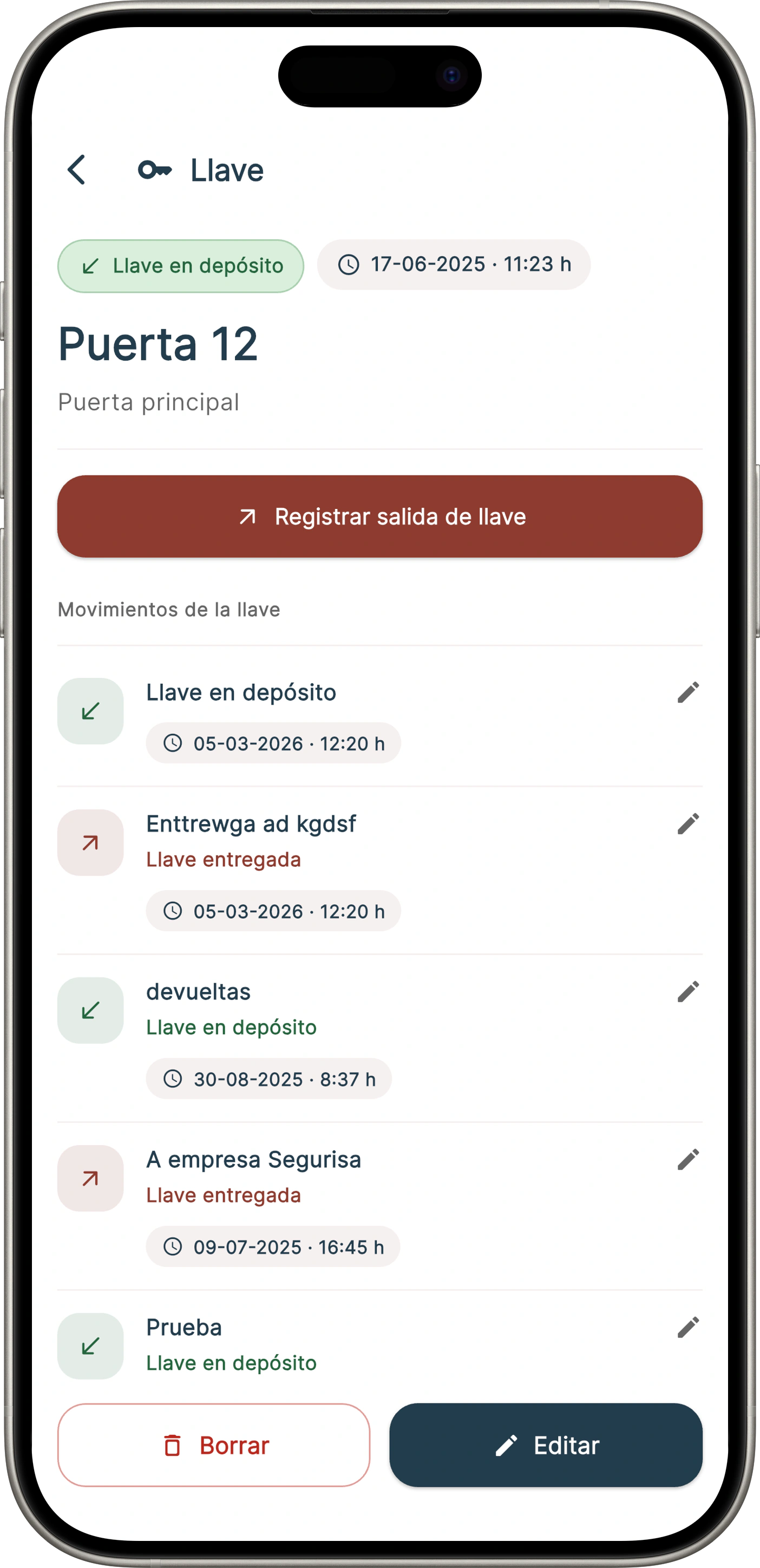
Onzane shows which keys the community holds, where they are stored, who has taken them, why and when they become available again.
Inventory, handover and return
The community keeps one shared record to locate keys and know who is responsible for every handover and return.
Identify the key, its position in the key cabinet and the related home, facility or shared area.
Record who takes it, the reason, authorisation and expected return.
The key becomes available again and the person who closed the movement is recorded.
Concierge and administrators can reconstruct movements when there are doubts, losses or incidents.
Onzane Staff app
Concierge, maintenance or authorised staff check each key’s status and record handovers and returns when they happen.
Traditional keys
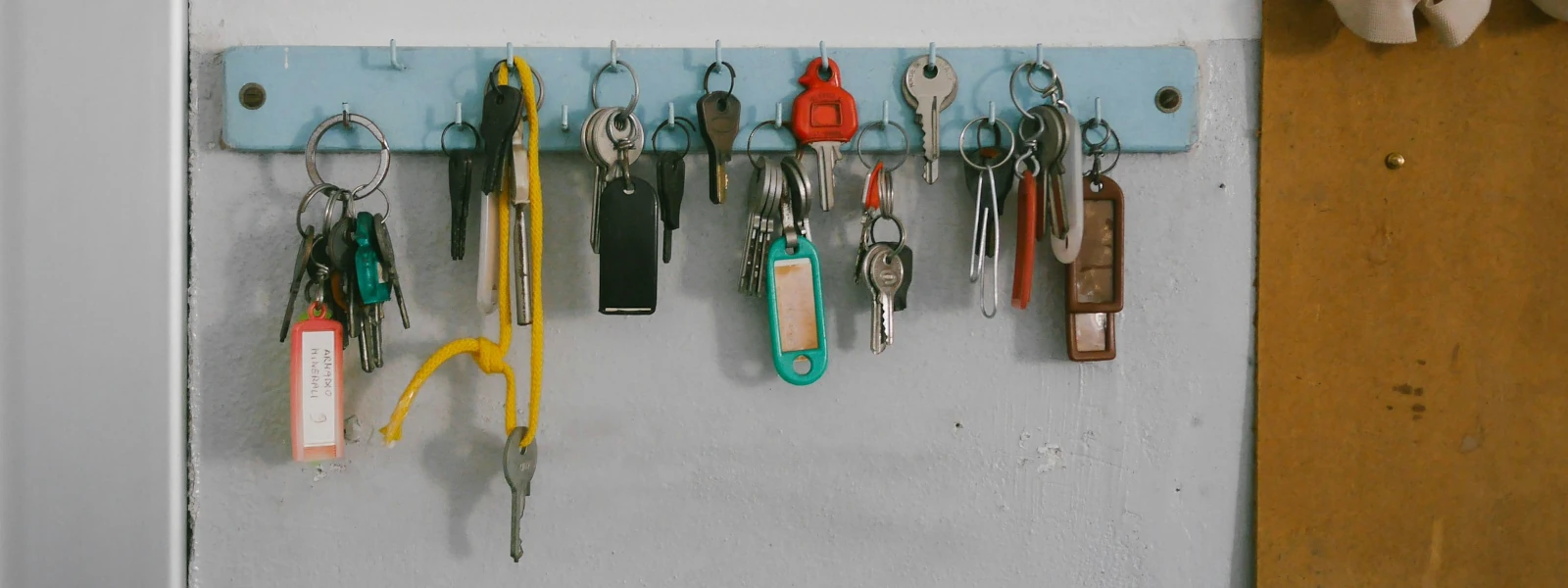
This feature organises the physical keys that still exist in every community. It controls inventory and custody even when doors do not have electronic locks.
Shared responsibility
Inventory brings order to daily work, while history provides context when a key is missing, a return is late or an action must be justified.
The community records which keys exist, the space they belong to and where they should be stored.
Every movement is linked to a person, company, reason and specific authorisation.
Previous handovers and returns help resolve questions, incidents or claims.
Frequently asked questions
Answers about inventory, custody, handovers and the difference from digital access control.
Any physical key held by the community: homes, storage areas, technical rooms, garages, halls, storage units, roofs, communications cabinets or restricted areas.
Concierge, employees, administrators and other authorised people can manage movements from Onzane Staff according to their permissions.
Yes. A handover can be linked to a company, supplier, technician, resident or authorised third party, including reason and expected return.
No. Key custody organises traditional physical keys. Digital access control manages opening permissions through apps, cards, number plates or connected devices.
The history shows the last handover, the responsible person, the reason for use and when the key should have been returned.
No. Physical key custody works as an inventory and operational record, so doors and locks do not need to be modified.
Custody without parallel records
We help inventory the community key cabinet and configure handovers, returns and permissions around the way your community actually works.