Onzane features

Everything a community needs,
organised around what you want to achieve.

One connected platform to communicate, manage and operate the community without spreading information across isolated tools.

Explore features
Onzane multi-community management dashboard
One source of information Four connected experiences
Residents Employees Managers Providers

Eight major outcomes

Start with the problem.
Not the module.

Each area brings together related processes that share data, people and context. Activate what you need now and expand later without changing platform.

01 Communicate and participate

Everyone in the community knows what is happening.

Information reaches the right people and participation remains in the same workspace, from an announcement to an online vote.

What it brings together
  • Announcements and messaging
  • Shared documents
  • Surveys and voting
  • Noticeboard, forum and groups
  • Events and reminders
Explore communication and participation
Announcement list in the Onzane management panel
01Communication from the management panel
02 Manage the community

Everyday management no longer depends on scattered messages.

Bookings, requests, facilities and community data are organised with clear rules and traceability for residents and managers.

What it brings together
  • Shared-space bookings
  • Custom requests
  • Properties and residents
  • Facilities and usage rules
  • Resources, capacity and deposits
Explore community management
Booking details in the Onzane management panel
02Bookings configured by the community
03 Operate facilities and services

Every action has an owner, status and follow-up.

Daily activity becomes one shared flow: it is recorded, assigned and resolved while keeping all supporting evidence.

What it brings together
  • Incidents and maintenance
  • Parcel management
  • Physical key control
  • Tasks and follow-up
  • Evidence and reports
Explore facilities and services
Incident list in the Onzane management panel
03Traceable operations from start to finish
04 Manage employees

Staff work from clear instructions on their phone.

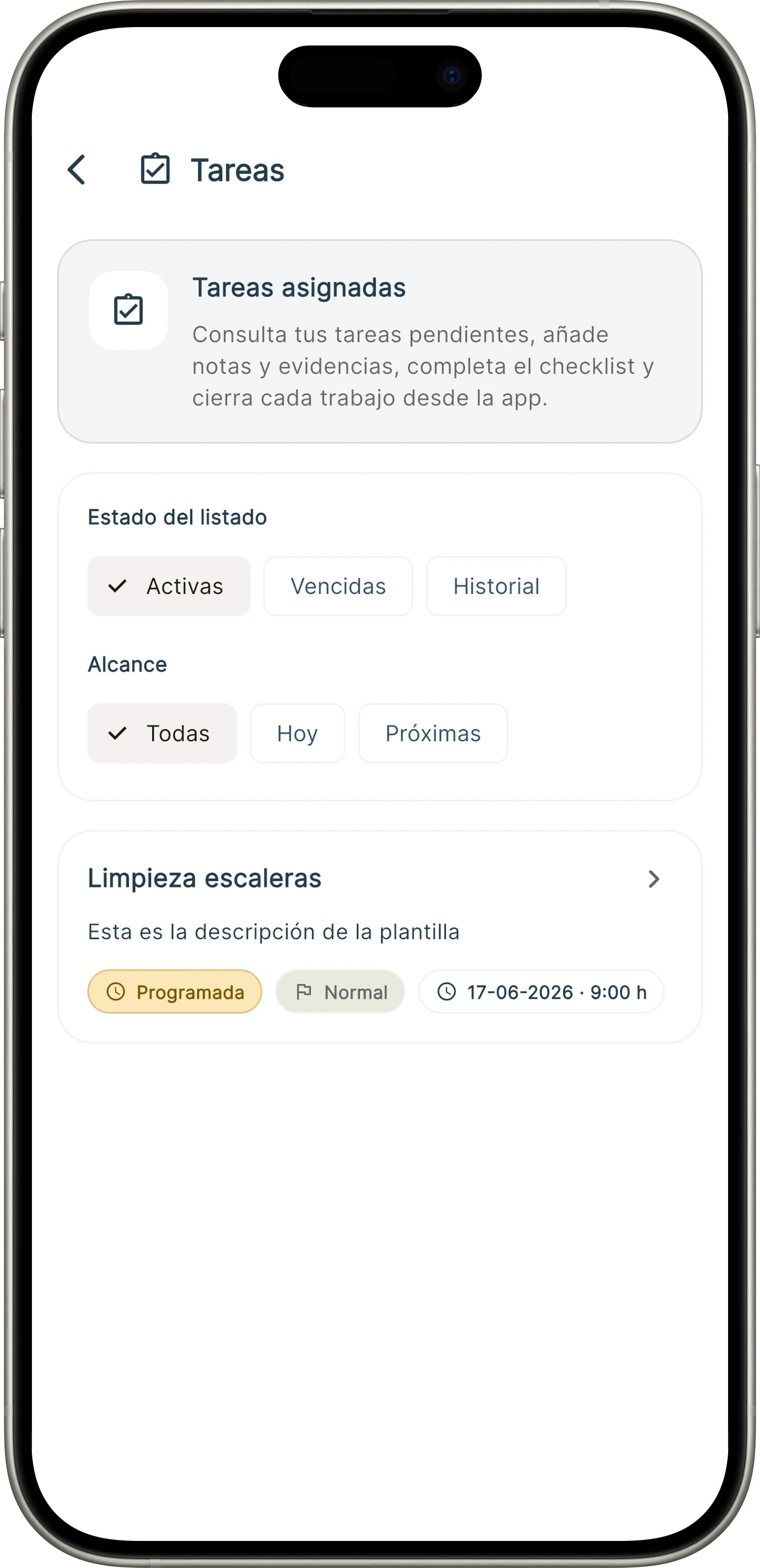
Onzane Staff connects employees’ tasks with management and the community without losing the context of each action.

What it brings together
  • One-off and recurring tasks
  • Time tracking
  • Inspection rounds
  • Concierge log
  • Parcels, keys and incidents
Explore employee management
Task list in the Onzane Staff app
04Daily work through Onzane Staff
05 Coordinate providers

Every provider relationship follows one shared workflow.

The community and provider work from the same request, contract and delivery record, with evidence and optional invoicing.

What it brings together
  • Requests for proposals
  • Maintenance contracts
  • Assigned tasks and incidents
  • Delivery evidence
  • Invoices and additional services
Explore provider coordination
Professional coordinating providers for a community
05Proposal, contract, delivery and invoicing
06 Control access

Every access is tied to a person, place and permission.

Residents, visitors, vehicles and providers enter only where and when they should, controlled from the platform.

What it brings together
  • Permissions and temporary passes
  • Visitors and vehicles
  • Pools and garages
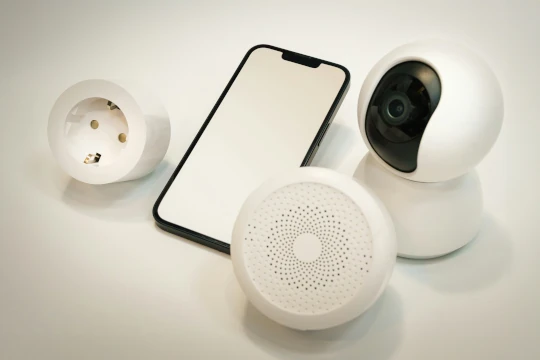
  • Connected devices
  • Access linked to bookings
Explore access control
Access configuration in the Onzane panel
06Digital permissions and connected devices
07 Manage payments and finance

Financial activity is part of the community too.

Payments, top-ups and financial information connect with bookings, services and professional management in one place.

What it brings together
  • In-app payments
  • Card, community fee, wallet and QR
  • Top-ups and transactions
  • Budgets, fees and assessments
  • Accounting through assisted implementation
Explore payments and finance
Top-up list in the Onzane management panel
07Payments connected to management
08 Automate processes

The platform handles repetitive work.

Rules, tasks and notifications turn manual processes into coordinated workflows that run and record themselves.

What it brings together
  • Rules and workflows
  • Recurring tasks
  • Notifications and escalations
  • Assignments and evidence
  • Integrations and API
Explore automation
Process automation in a residential community
08Processes that move forward with rules and traceability

One feature, different experiences

Each person sees what they need.
The community keeps the same information.

Features do not live in isolated apps. Each interface uses the same context and updates everyone else’s work.

01

Onzane app

Communication, bookings, payments, incidents and participation from a phone.

02

Onzane Staff app

Tasks, rounds, working hours, parcels and operational actions.

03

Management panel

Configuration, supervision and management of one or several communities.

04

Provider panel

Proposals, contracts, jobs, evidence and shared invoicing.

Across the platform

Capabilities that support
every process.

Security, permissions and automation are not isolated modules: they are built into every Onzane feature.

  • 01Profiles and permissions
  • 02Security and privacy
  • 03Automatic translation
  • 04Notifications
  • 05Data imports
  • 06Integrations and API

Your community, connected

Tell us what you want
to improve first.

We will help you choose the right features and implementation path for your community.

Talk to us