
Assigned incidents
View, update and resolve from the app with full follow-up.
App for community employees
A dedicated application for the team working inside the Community every day.
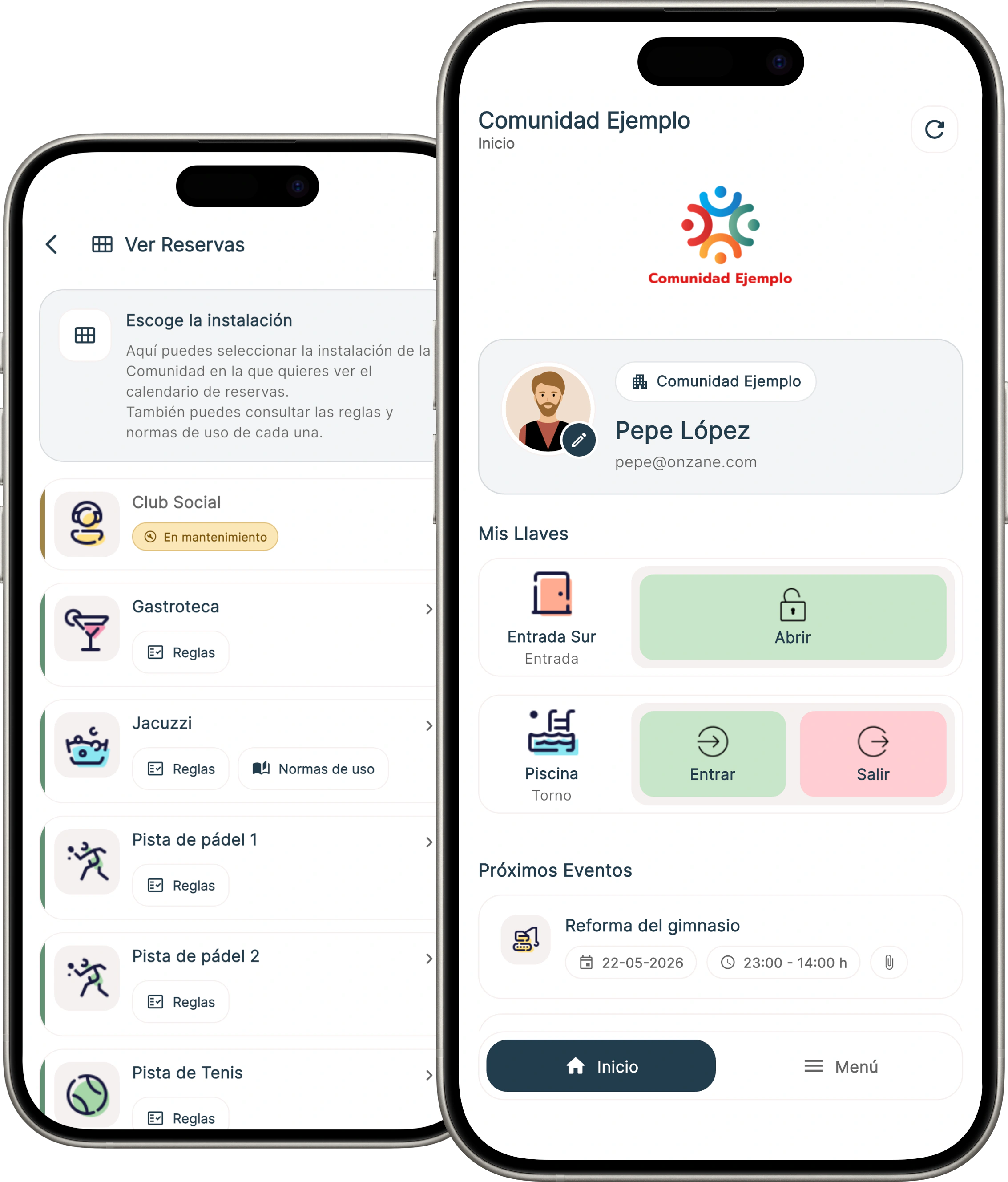
Onzane Staff
Onzane Staff is designed for concierges, doormen, maintenance teams and other employees who need to operate on site. Each employee can have specific permissions according to their role.
View, update and resolve from the app with full follow-up.
Create bookings on behalf of older residents or for specific cases.
Entries, handovers and notifications managed from mobile.
App functions
Tasks
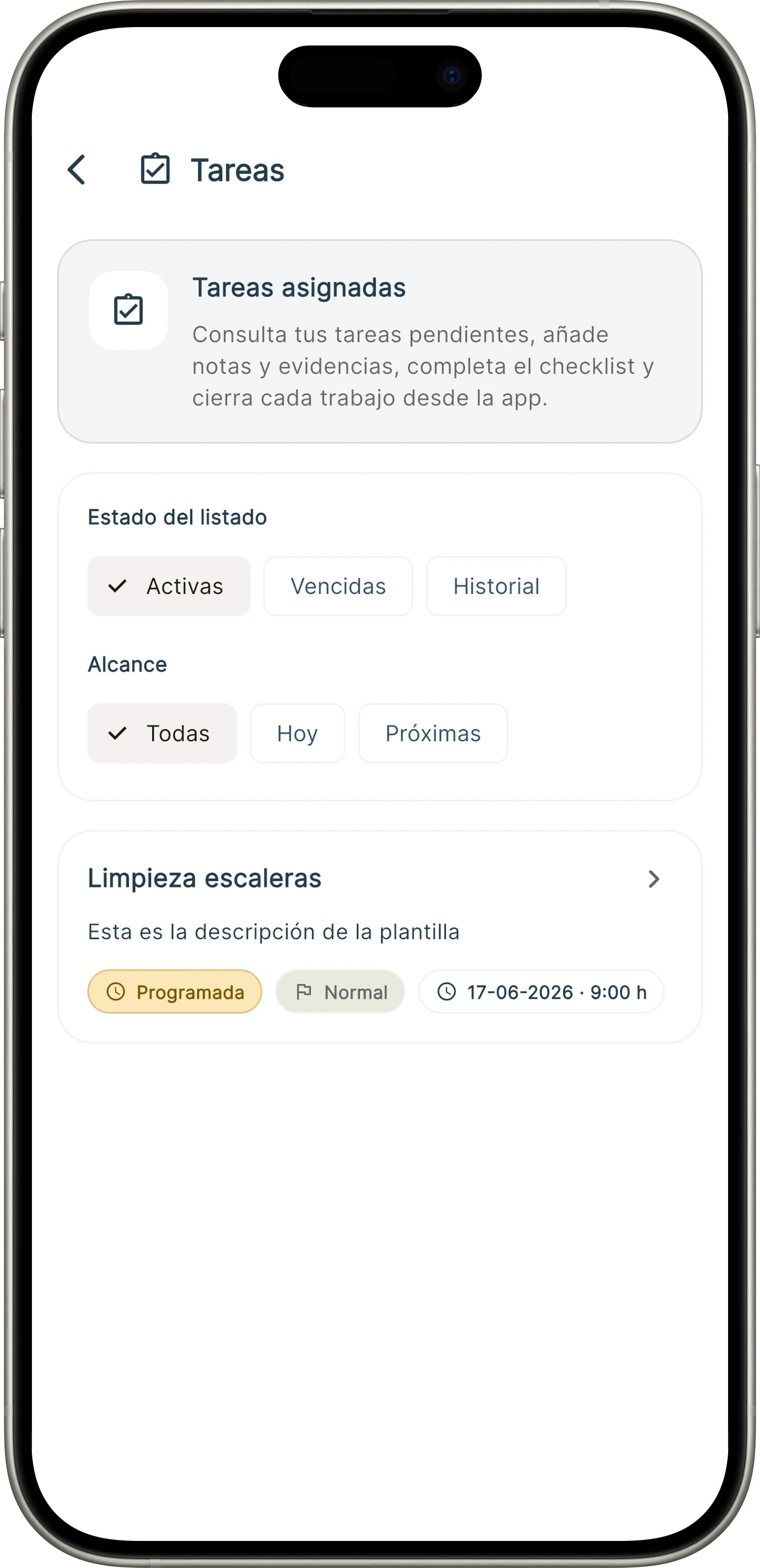
Administrators can define templates and tasks to assign them to specific employees, so each action is planned, started, completed and reported from Onzane Staff.
Incidents
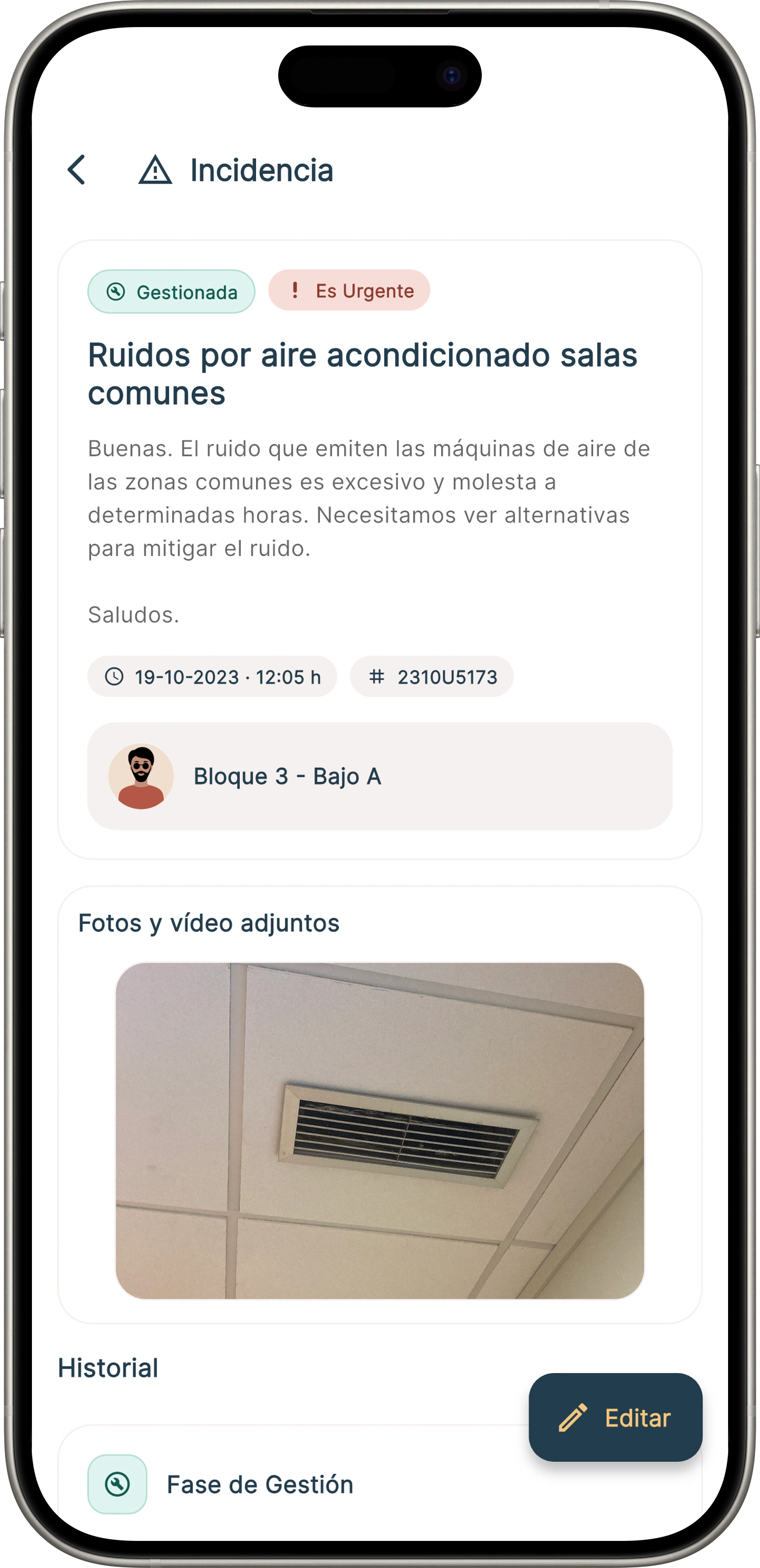
Maintenance or concierge staff can receive assigned incidents on their mobile, update them, add comments, photos or videos, and log the work carried out. Administrators and residents keep visibility of the status according to the permissions defined.
Parcels
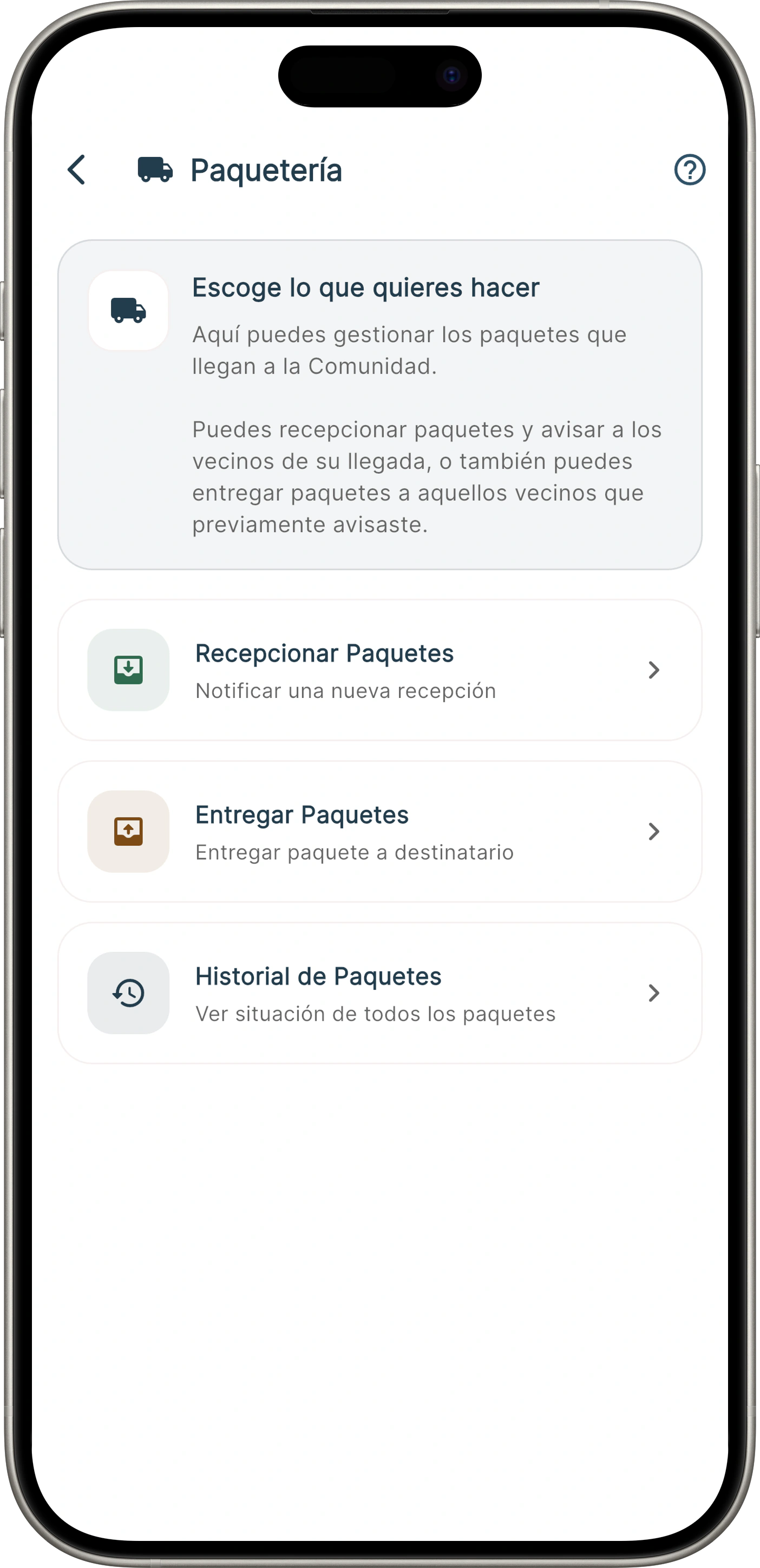
Onzane Staff lets you register packages arriving at concierge, automatically notify residents and keep a record of delivery. The Community gains order, traceability and better daily service.
Security and surveillance patrols
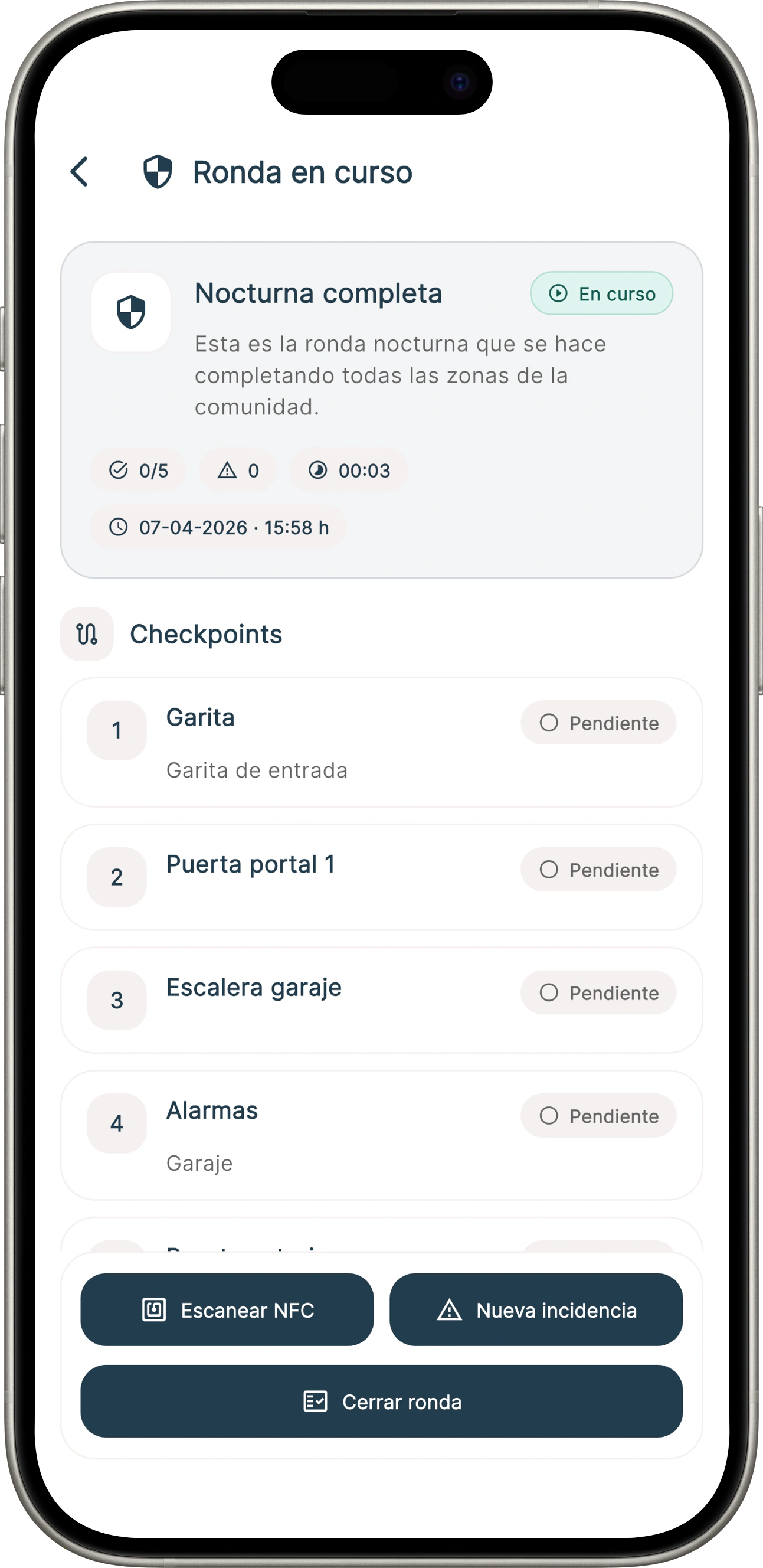
Onzane Staff allows employees to carry out security patrols according to the predefined configuration for each profile, with frequency, area and operational tracking from mobile.
Reservations
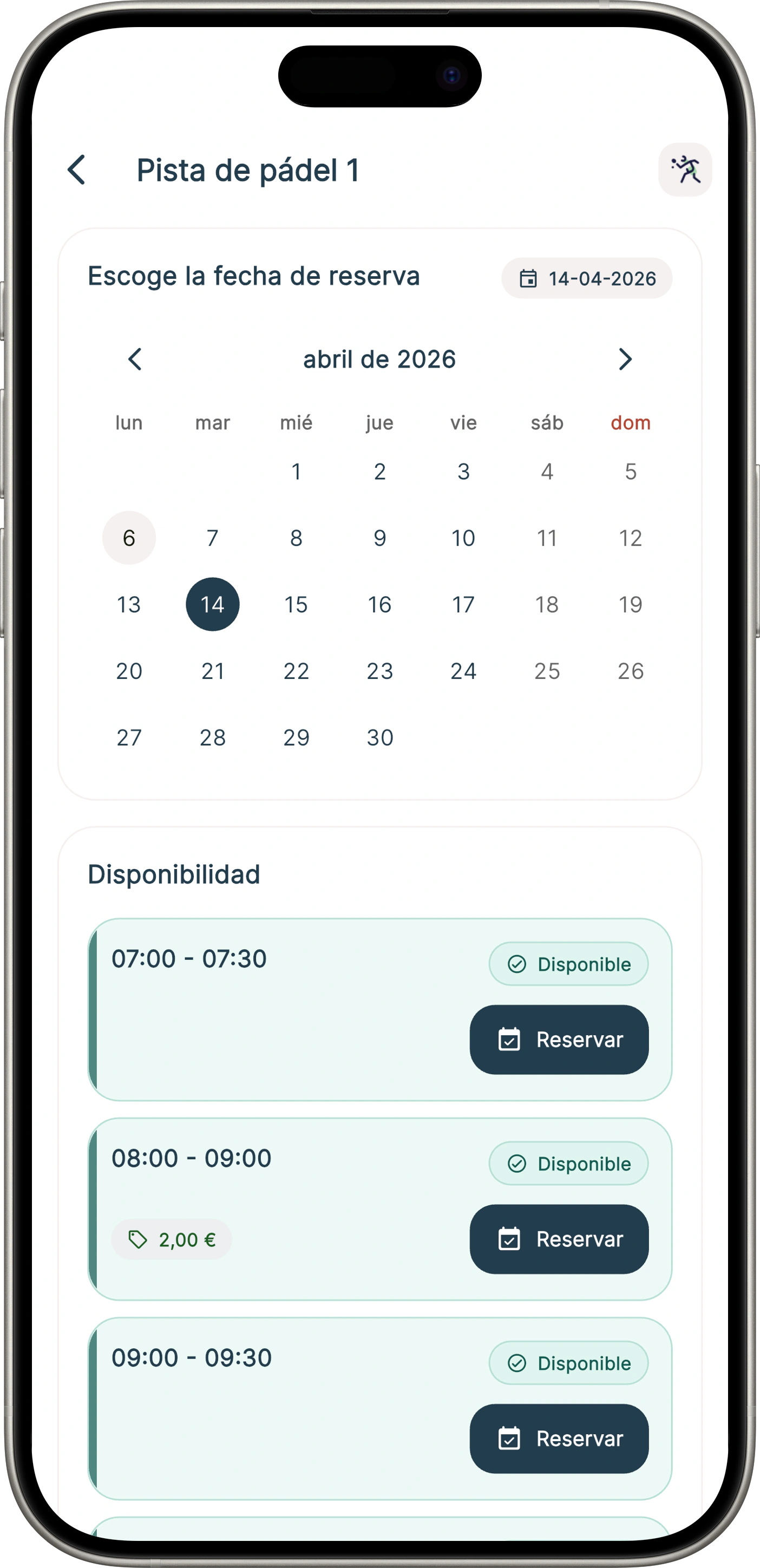
Staff can check the status of court, room or common-area bookings and, if the Community allows it, create reservations on behalf of older residents or in specific situations. That enables assisted operations without losing control or traceability.
Operational control
Beyond day-to-day tasks, the app covers key operational functions for Communities that need order, legal compliance and traceability.
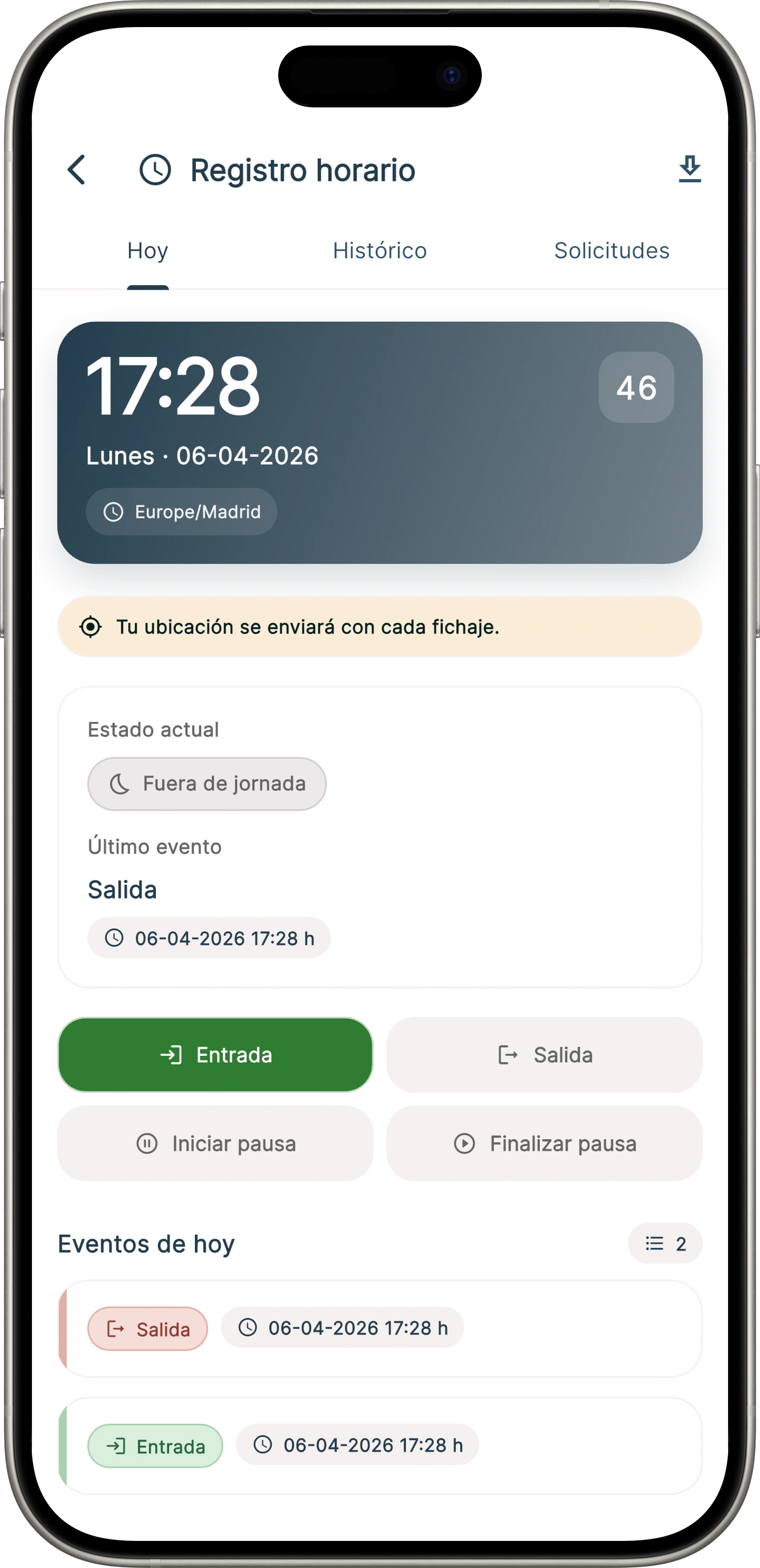
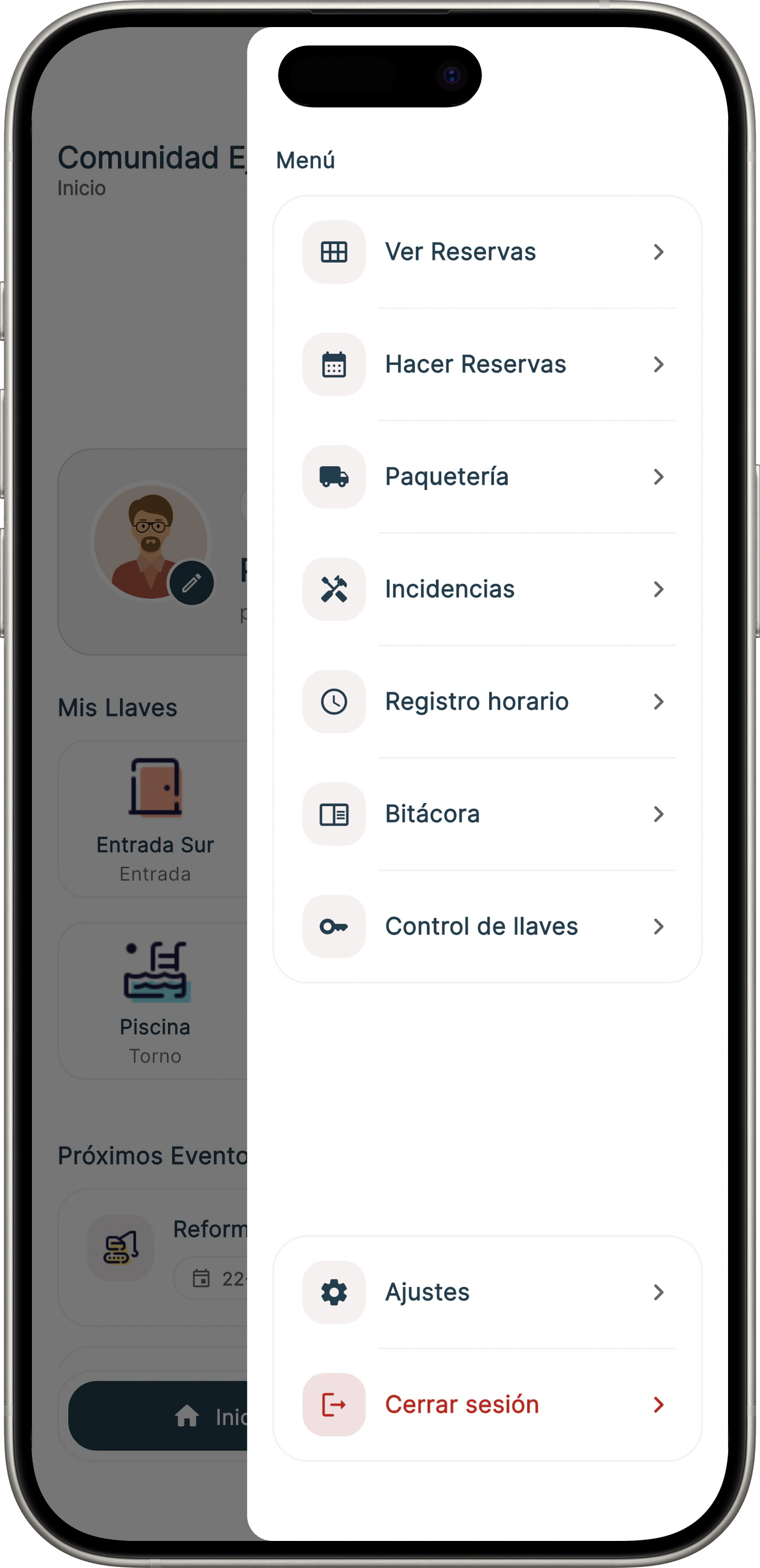
Track clock-ins, clock-outs, and breaks with full traceability and compliance with current legal requirements.
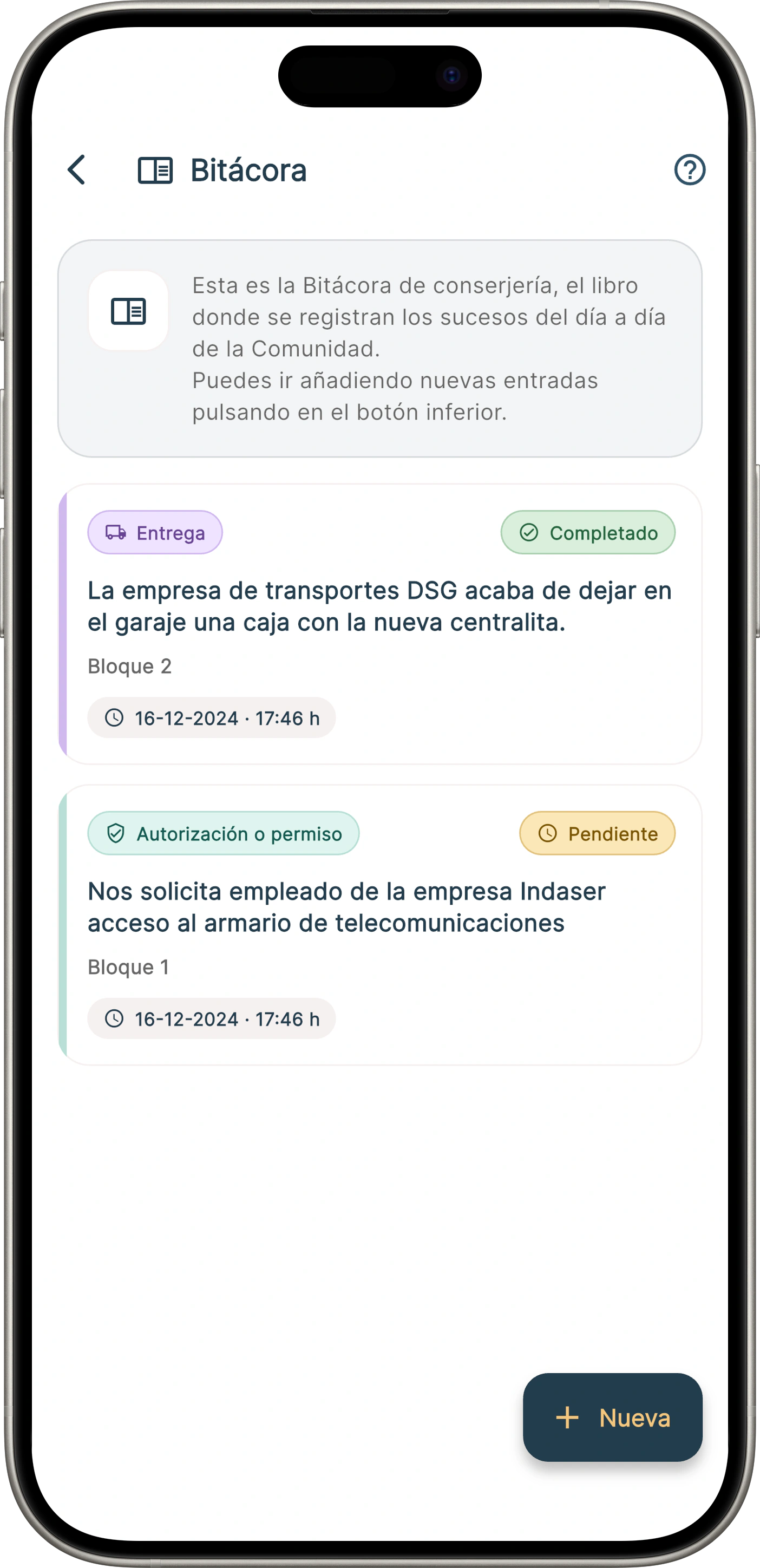
In Communities with concierges or doormen, they can keep the concierge log through the app or the control panel, reflecting all the Community's affairs in it.
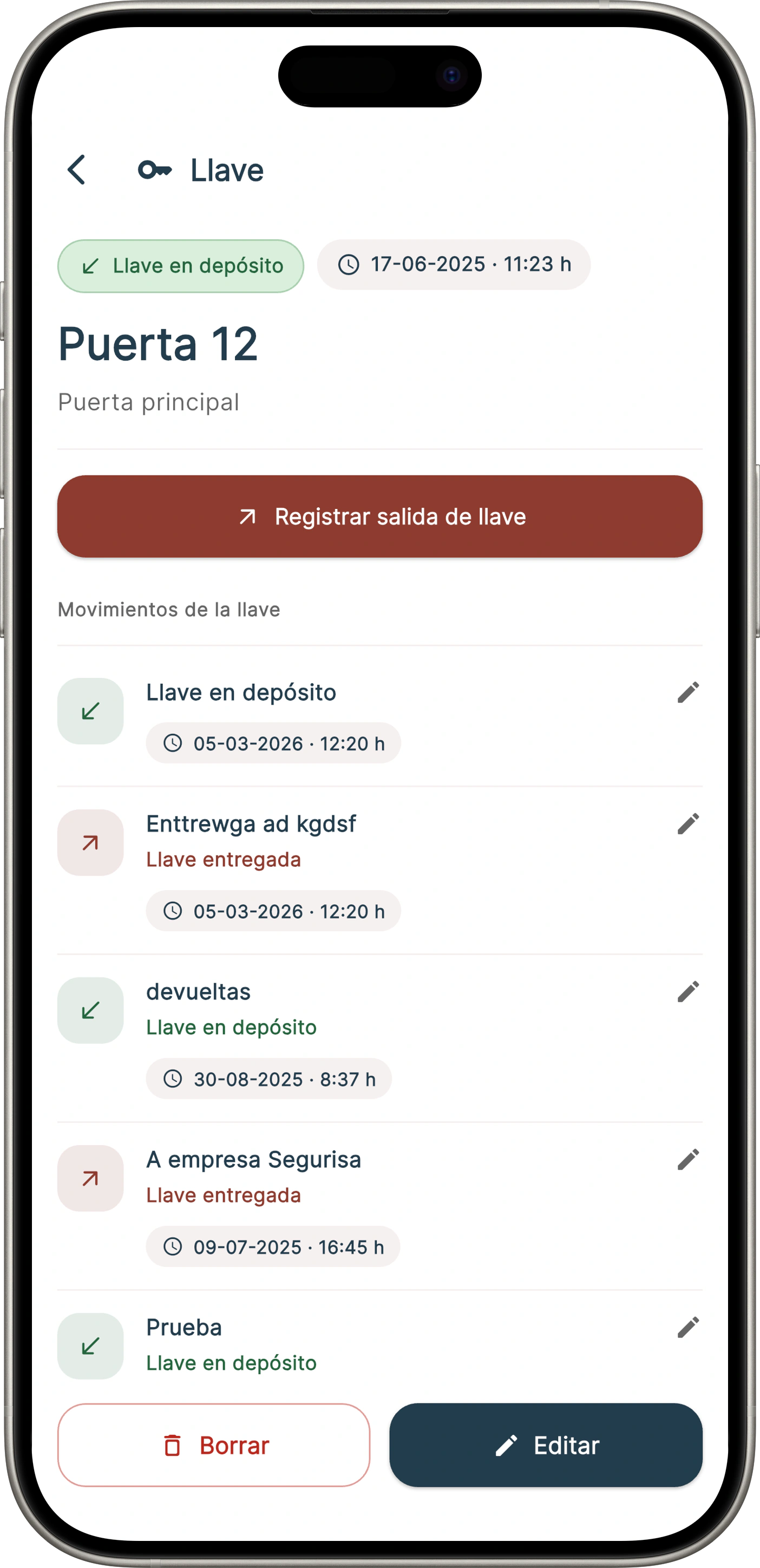
Employees can manage physical key deliveries to companies or third parties. The concierge service is now digital.
Onzane Staff + Onzane
Some Communities need very specific staff workflows. Onzane Staff integrates with the rest of the Onzane ecosystem and lets you activate additional functions when they add real value.
FAQ
Answering the most common questions about the app for community employees.
Yes. Onzane Staff is a dedicated app for community employees, separate from the residents app. Each profile works with an experience adapted to its tasks and permissions.
Yes, if the Community enables that function. It is useful for older residents, people who do not use the app or specific situations where concierge or porter services need to help them.
Yes. They can receive assigned incidents, update their status, add comments, photos or videos and leave a record of the work carried out directly from the app.
Onzane Staff lets you record clock-ins, clock-outs and breaks with full traceability. The exact setup must match each Community's labour organisation, but the tool is designed to support compliance.
Yes. The app includes concierge log and key custody functions so daily movements, handovers and notes are properly recorded.
Yes. Permissions are configurable and different functions can be defined for concierge, maintenance and other operational Community profiles.
No, the Onzane Staff app is included as part of the Onzane platform at no additional cost.
Yes. Administrators can define task templates, assign them to specific employees and supervise when they start or complete them. The system can also generate automatic or manual reports on the work performed.
Onzane Staff