01
Property allowances
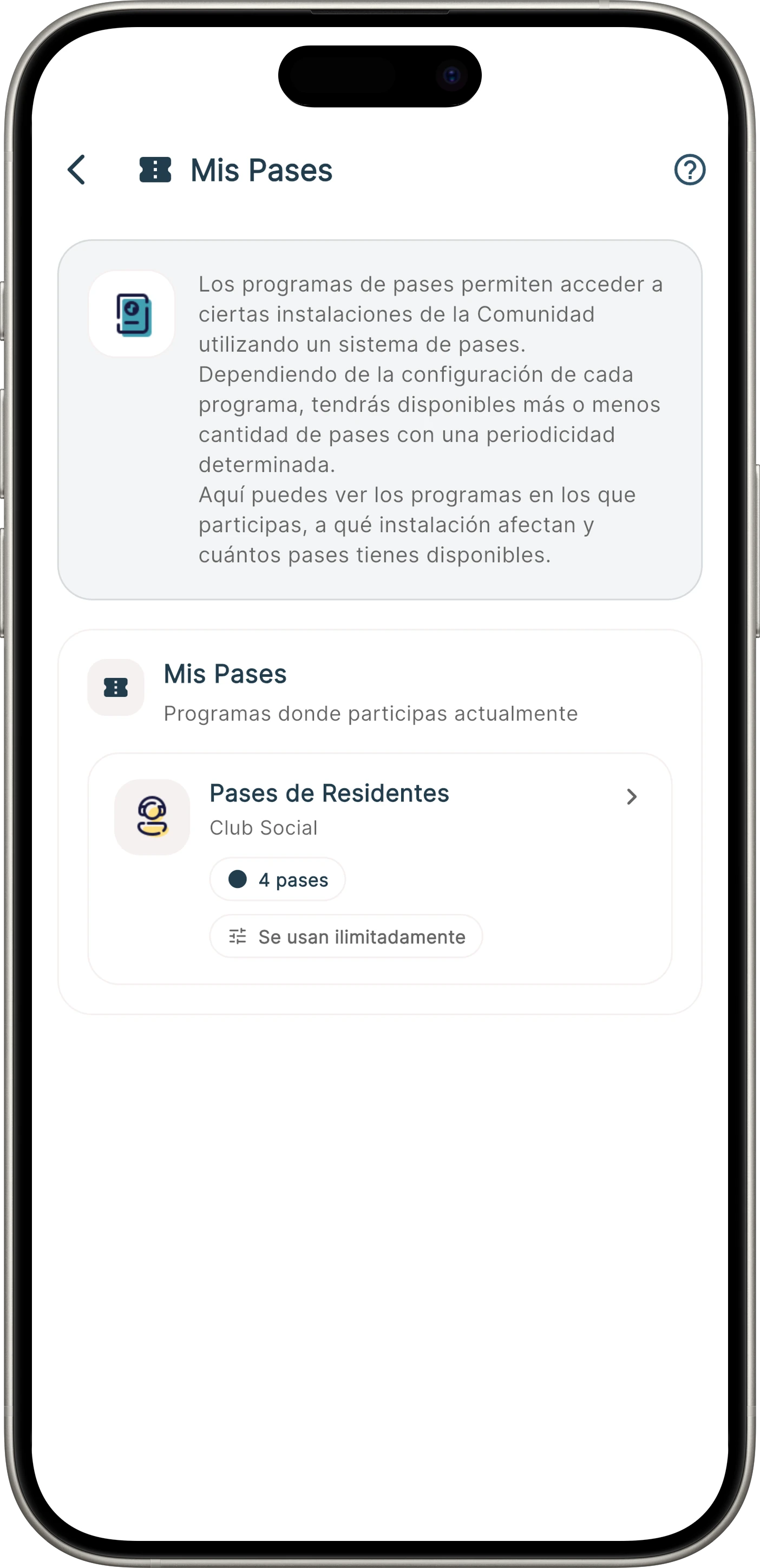
Allocated and transferable passes
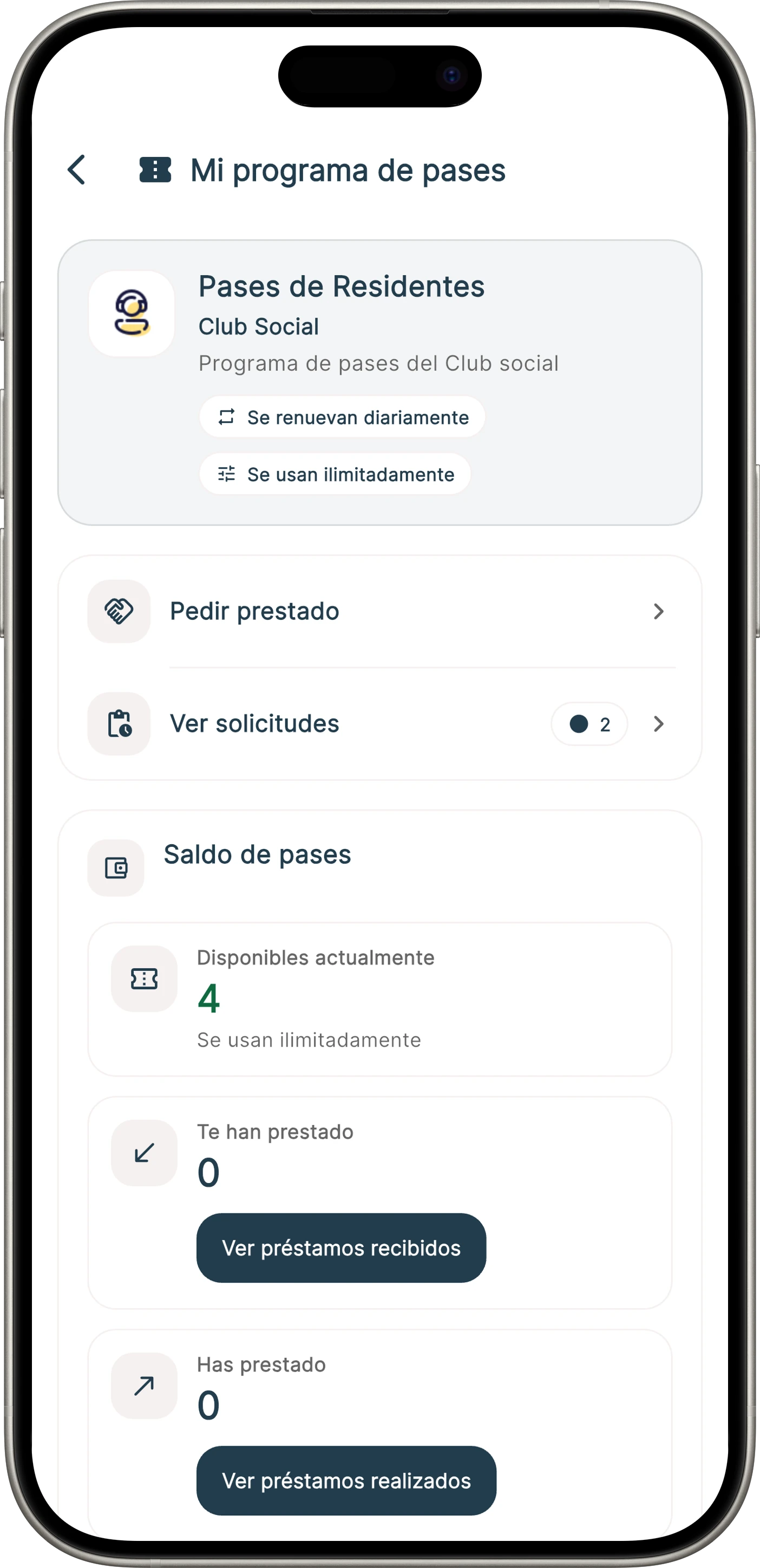
Each property receives passes and can use or lend them through a request and acceptance flow.
Pass programmes
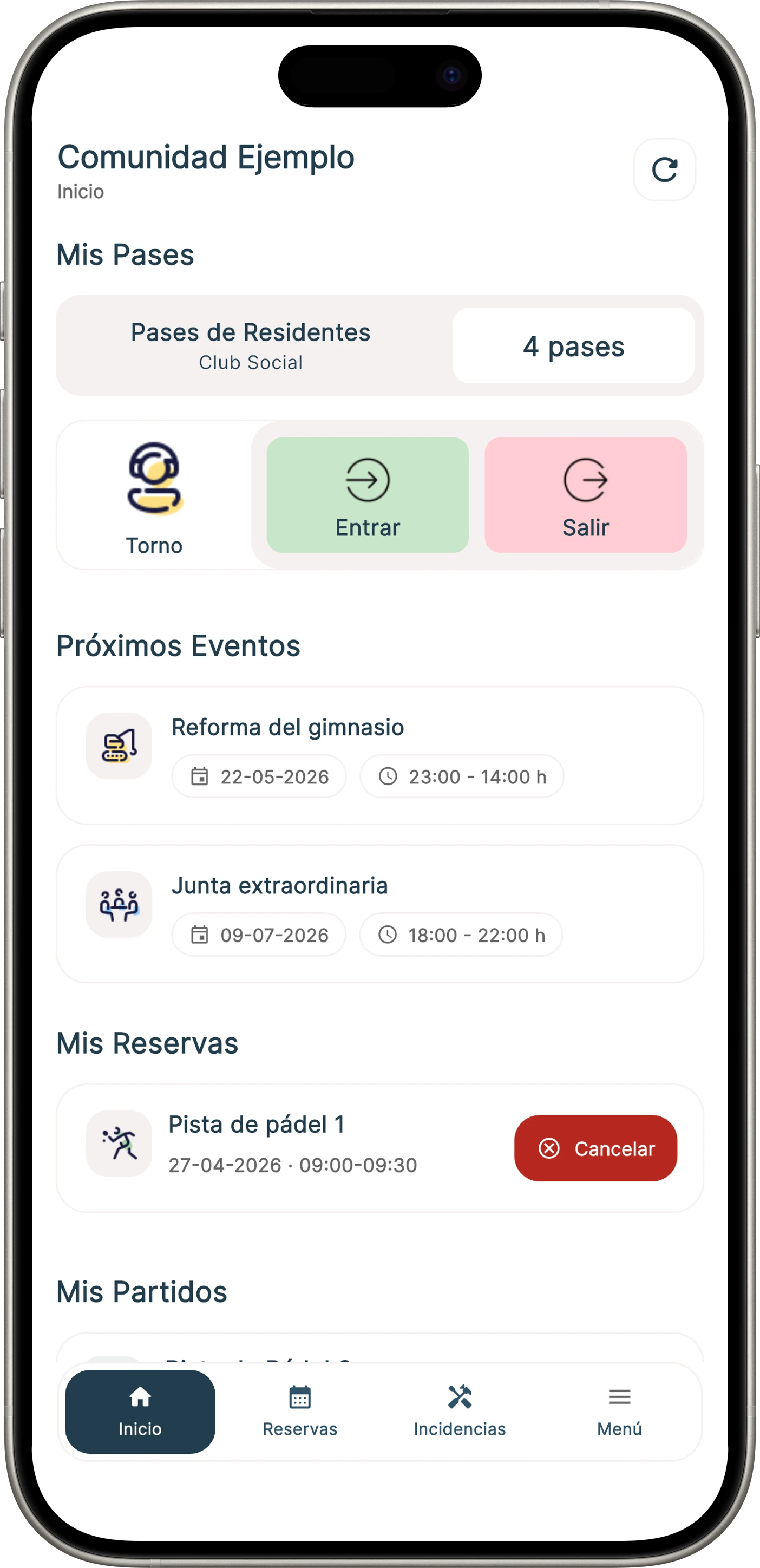
Digitise allowances, invitations and membership cards so the community distributes usage rights under clear rules. Residents view passes in the app while management controls the programme.
A right that is distributed and controlled
Onzane organises issuance, availability and use without relying on separate lists, cards without validity or invitations managed elsewhere.
Choose the model, period, usage rules and participating properties or profiles.
Distribute passes automatically or manually by property, person or group.
Residents receive, purchase or request a transfer according to the configured model.
Show the pass in the app, print it or use a compatible physical medium.
Three starting models
Models can adapt to each community’s rules and coexist within the same organisation.
Each property receives passes and can use or lend them through a request and acceptance flow.
Management issues them or lets residents obtain them with defined validity and usage periods.
NFC or RFID media identify the holder individually and can include expiry and usage rules.
Programme management
Operations run from initial allocation to expiry without confusing a pass with access authorisation or the device that validates it.
Distribute by property, create exceptions and adjust amounts when rules or the community change.
Allow loans, administrative issuance or in-app purchase when the model provides for it.
See which passes are available, transferred, used, expired or cancelled and act on changes.
Rules for each community
Communities do not distribute invitations or cards in the same way. Onzane reflects the chosen model and expands it as operations evolve.
A specific feature
Defining its role separates programme management from authorisation rules and the technology that performs an opening.
It determines who may enter, which space and for which period.
View permissionsIt may represent an available entry, invitation or identifiable card.
Back to overviewA reader, turnstile or authorised member of staff verifies the pass.
View devicesFrequently asked questions
Answers about allowances, transfers, QR, cards, purchase, validity and pass validation.
Yes. A programme can automatically allocate an amount per property or allow manual adjustments for different rules or circumstances.
Yes. A loan flow may let one property request a pass and the other accept the transfer, recording the change.
Yes. Management can issue QR credentials with expiry and usage periods, show them in the app or generate a printable document.
The model may allow management allocation or resident purchase in the app, according to community rules and enabled payment methods.
Yes. NFC or RFID cards can be individually linked, given validity and show the information required to verify the holder.
It may be checked automatically by a compatible reader or turnstile, or manually by authorised staff using Onzane Staff.
No. A pass is the right or credential issued and used. A permission contains authorisation and its person, space and time limits.
Yes. Existing models are a starting point and can be extended for another distribution, transfer flow or issuance method.
Passes without parallel lists
We help configure allowances, formats, transfers, validity and validation methods around your community.