Number plate recognition
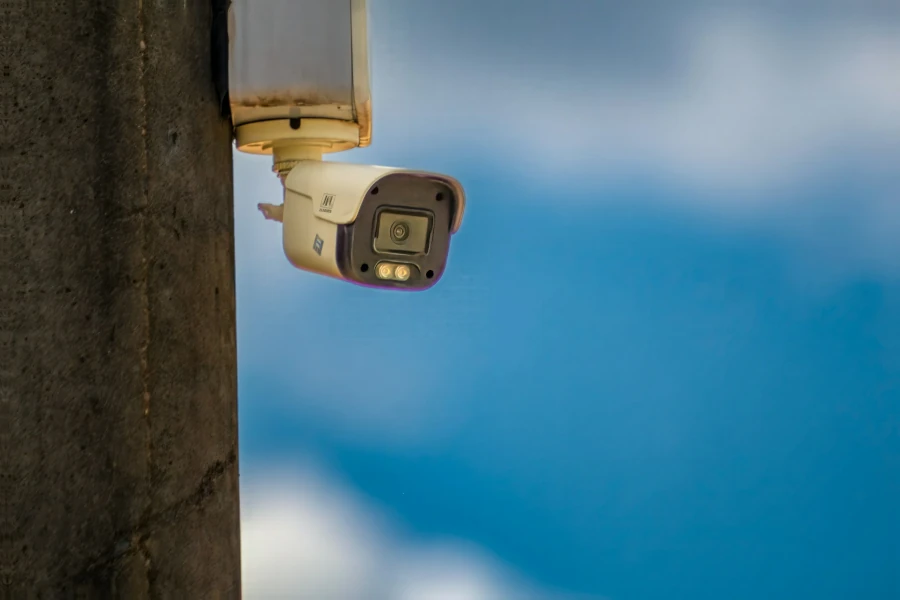
A camera recognises the plate as the vehicle approaches and Onzane checks its authorisation before triggering the opening.
Community garages and parking
Replace uncontrolled remotes with identified vehicles and permissions that can be added, changed or withdrawn. Onzane connects properties, parking spaces and plates with garage opening.
From authorised vehicle to open door
The community keeps a clear relationship between the garage, space, property, vehicle and the means used to identify it.
Define doors, schedules, spaces and rules for residents, visitors and providers.
Associate a plate, tag or credential with a property, space, person or temporary permission.
The system identifies the vehicle and checks that its authorisation remains active.
Keep the opening history and disable access when circumstances change.
Automatic vehicle identification
Every garage needs a different level of automation. Onzane can work with the appropriate signal and then apply the community’s centralised rules.
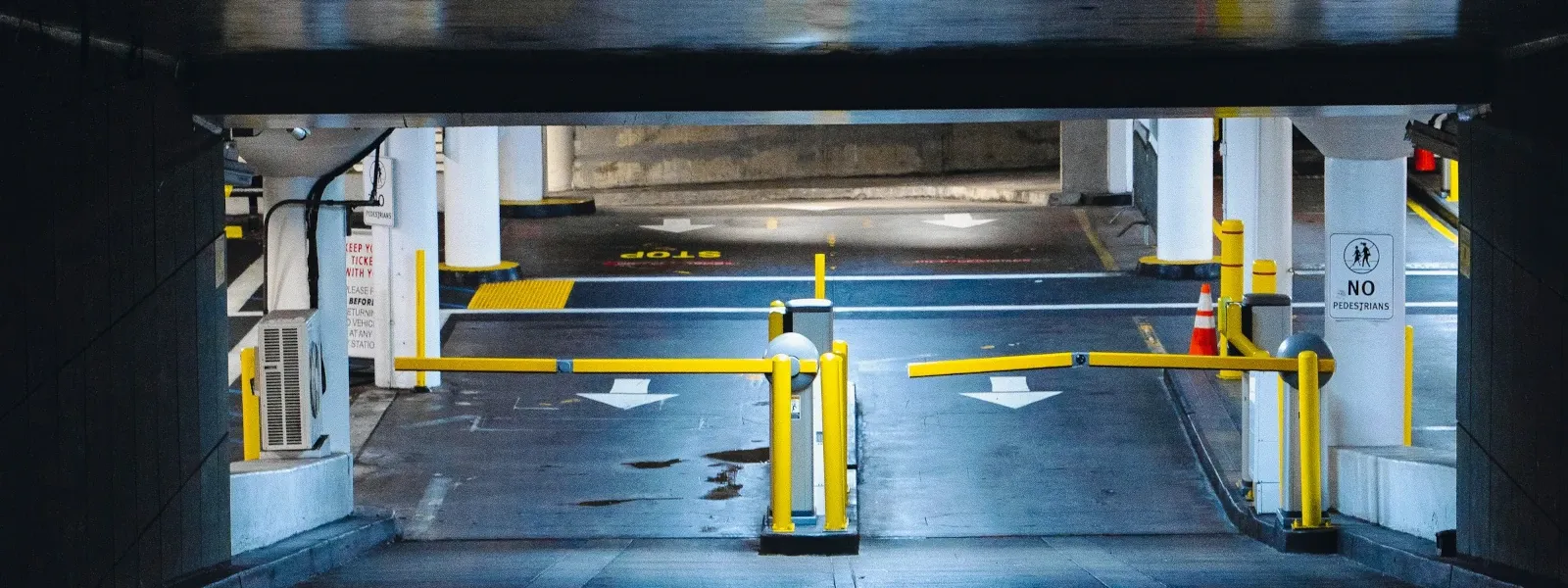
A camera recognises the plate as the vehicle approaches and Onzane checks its authorisation before triggering the opening.
A tag linked to the vehicle identifies it by radio frequency without a remote, card or phone.
Combine the plate and RFID tag to cross-check identifiers, adapt rules and improve control reliability.
Plates managed from the app
The community can allow each property to manage authorised plates from the Onzane app, within defined quotas and conditions. Changing cars no longer creates a manual task for the manager.
Shared parking spaces
Support fair use of shared spaces. Authorise which homes and commercial units can enter and how many vehicles each property may have inside each car park.
Use number plate recognition cameras, UHF windscreen stickers linked to vehicles or RFID cards linked to properties, with compatible equipment.
Set how many vehicles each home or commercial unit may have inside simultaneously. When one leaves, it frees capacity for another entry.
Configure schedules, seasons and different limits per property, including periods without occupancy quota restrictions.
When enabled by the community, owners can add and update their vehicles’ number plates up to the authorised maximum.
Manage several car parks within one community. Within each facility, a vehicle can enter through one gate and leave through another while maintaining a single occupancy record.
Check recorded occupancy and the properties it belongs to, alongside the history of entries, exits and access attempts.
Everyday parking problems
A permission can be withdrawn from management and ceases to be active across linked media. Operations adapt to simple garages or shared parking schemes.
Link vehicles to specific spaces or apply different rules when parking works in shifts or with flexible use.
Create authorisations with schedules and expiry for maintenance, cleaning, deliveries or other work.
Disable plates, tags, remotes or users when a resident changes, a device is lost or a contract ends.
A vehicle-focused solution
This page explains parking operations. Authorisations and hardware are covered separately to avoid mixing search intentions.
They determine the scope, schedule and validity of each vehicle or person’s right.
See permissionsCameras, RFID readers, relays, doors and barriers make up the compatible physical deployment.
See devicesPedestrian doors, pools and facilities can be managed under the same community policy.
Back to Access controlFrequently asked questions
Answers about plates, RFID, remotes, spaces, visitors and gate automation.
The community defines which properties are authorised and how many vehicles each may have inside simultaneously. When a property reaches its quota, a vehicle must leave to free capacity before another entry is allowed. Rules can vary by schedule, season and property.
No. The plate limit determines how many vehicles a property can register; the occupancy quota limits how many may be inside at once. When the community permits it, owners manage their plates from the app within the authorised maximum.
Yes. Gates belonging to the same car park share occupancy control. Onzane maintains recorded occupancy per property and allows entries, exits and access attempts to be reviewed. A community can manage several facilities with their own conditions.
A camera at the entrance identifies the plate. Onzane checks that it is linked to a valid permission and, if the rules are met, the compatible system operates the door or barrier.
Yes. The community can allow each resident to manage the plates linked to their property or space, subject to the number and conditions defined by management.
It is an identifier linked to the vehicle, usually attached to the windscreen. A compatible reader detects it on approach and checks its authorisation without the driver using a remote.
Yes. A mixed system can cross-check both identifiers or use one as a fallback for the other, depending on the installation and defined security rules.
Yes. Permissions can be linked to specific spaces or adapted to shared, rotating parking and temporary authorisations.
Yes. Permissions can be limited to specific dates, schedules and periods, keeping permanent and one-off authorisations separate.
Not necessarily. Depending on the installed system, remotes may coexist with the app, plate recognition or RFID tags during a gradual deployment.
Management can withdraw the linked permission without relying solely on recovering the physical device. The exact action depends on the capabilities of the existing receiver or controller.
Identified vehicles, controlled permissions
We review doors, barriers, cameras, readers, spaces and rules to propose a deployment compatible with the community’s infrastructure.