01
Clear content
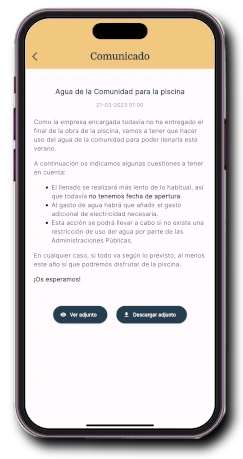
Title, date, text and files stay together in a simple reading experience.
Communicate and participate · Announcements
Write once in the management panel and deliver information to each resident in the Onzane app with the right recipients, attachments and notifications.
The complete flow
Onzane connects the person publishing with the people receiving, without mailing lists or shared personal details.
Format the content, add files and save it as a draft until it is ready.
Publish for the whole community or only the relevant groups, properties and profiles.
The announcement becomes available in the app and each resident is notified according to their preferences.
Review openings and reading rates by property and resident profile.
From the management panel
The panel brings together announcement creation and control for one or several communities. Authorised people can prepare, publish and update content in one place.
In the Onzane app
Each resident reads the same official content on their phone while retaining control over how they receive notifications.
Title, date, text and files stay together in a simple reading experience.
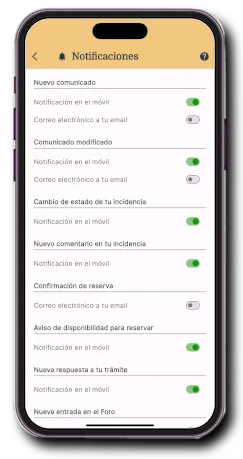
Each person chooses push notifications, email or both.
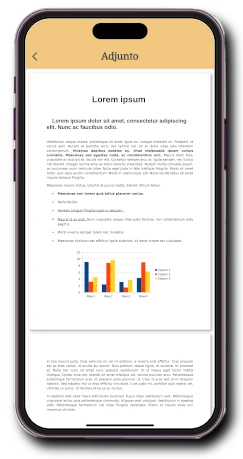
PDFs and images open and download directly from the announcement.
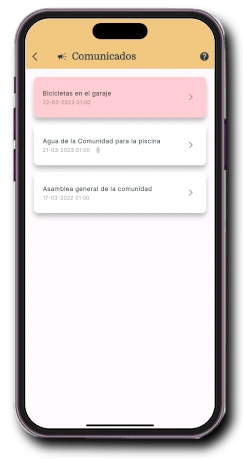
Read and unread announcements remain organised for future consultation.
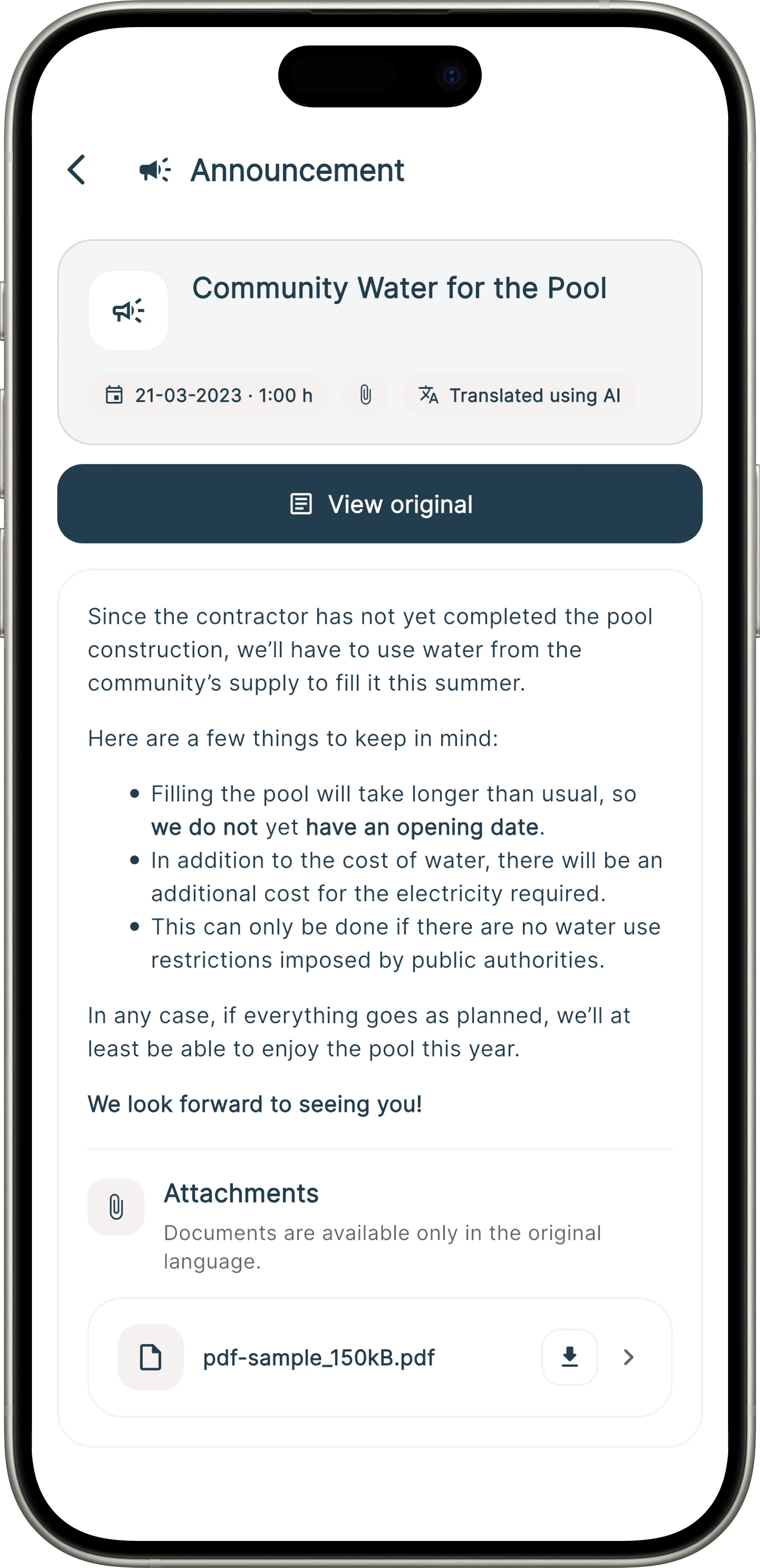
Fewer barriers
Onzane can automatically display an announcement in the language selected in the app. The resident knows it is a translation and can open the original at any time.
Publication control
The announcement does not disappear after delivery. It remains linked to the community and its status can be managed from the panel.
Save the work and complete content or attachments later.
Residents always find the available version inside their community.
Review opening totals and rates by property and profile.
In action
A short tour of receiving, browsing and reading announcements in the Onzane app.
Frequently asked questions
Publishing, notifications, files, translation, segmentation and statistics.
Each resident chooses in the app whether to receive a mobile notification, an email copy or both. Even with notifications disabled, the announcement remains available and can appear as unread.
Yes. Authorised people can edit or delete it from the panel. When updated, residents can be notified again.
Common image formats and PDF documents can be attached. Residents can open them in the app and download them when needed.
Yes. An announcement written in one language can be automatically displayed to residents using another language in the app. The original remains available.
Yes. It can target the entire community or be segmented according to its structure, such as groups, properties or resident profiles.
Yes. Onzane provides the number and percentage of openings by property and resident profile.
Official, accessible communication
We help you configure the right permissions, recipients and notification channels for your community.