Voting and electronic minutes
Online voting for homeowners associations
Call votes, identify participants, collect votes, calculate results and keep traceability for each agreement from the community app.
Separate from surveys
Community decisions need more control than a form
A vote is not an informal survey. A community needs to know who can vote, which share they represent, whether they vote by proxy, which majority each item requires and what evidence remains for the minutes.
Agenda and voting items
Create voting items linked to a meeting, subject or specific agreement so the process is documented from the start.
Voting roll and rights
Work with properties, residents, representatives, ownership shares and permissions to know who may vote on each item.
Vote and proxy
Allow in-person votes, online votes or proxy voting while keeping a record of who participates and under which representation.
Result and minutes
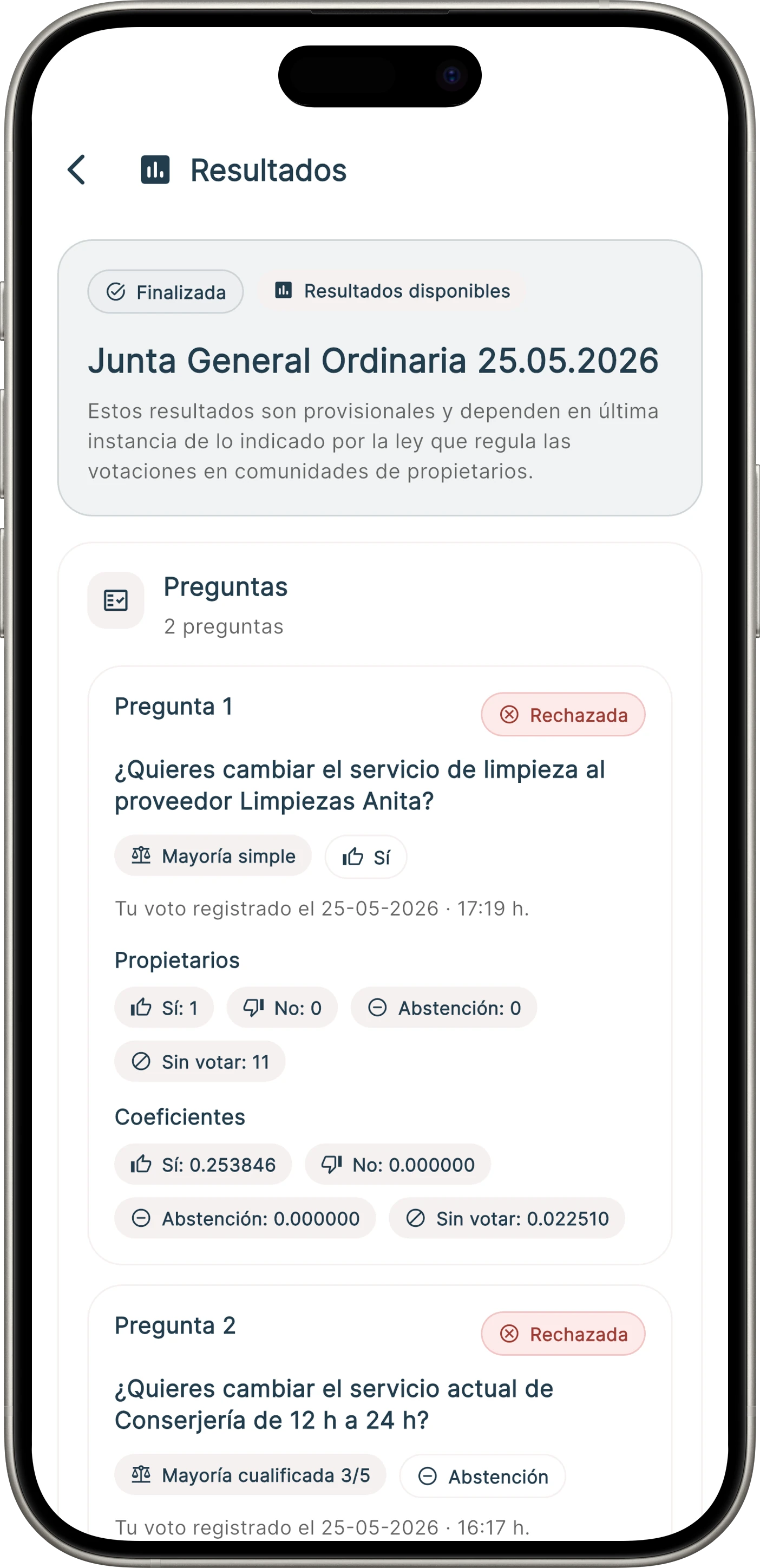
Generate a traceable result for the minutes, with votes, majorities, participation and process evidence.
Two ways to use it
Fully online voting or digital support during the meeting
The feature does not force one format. It can run the whole process online or improve an in-person meeting with check-in, parallel voting and assisted counting.
Model 1: fully online voting
The community opens a vote so owners can participate remotely from the app, review documents, cast their vote and keep traceability without attending in person.
- Remote participation from the app.
- Voting roll, shares, arrears and proxies prepared before opening the process.
- Votes collected and results calculated inside Onzane.
Model 2: support for in-person meetings
The meeting happens physically, but Onzane helps register attendees, validate representation, collect votes in parallel and calculate results with fewer manual errors.
- Resident check-in when arriving at the meeting.
- Control of attendees, represented owners and voting rights.
- Digital count during the meeting to prepare the minutes with more confidence.
Built for real meetings
From electronic voting to community minutes
Onzane helps digitize ordinary votes, meeting agreements, decisions between meetings and processes where the community needs a clear record of what was approved.
- Voting items and answer options.
- Control of owners, authorized residents and representatives.
- Proxy voting and remote participation.
- Results ready to review before being added to the minutes.
App screens
How voting is followed from mobile
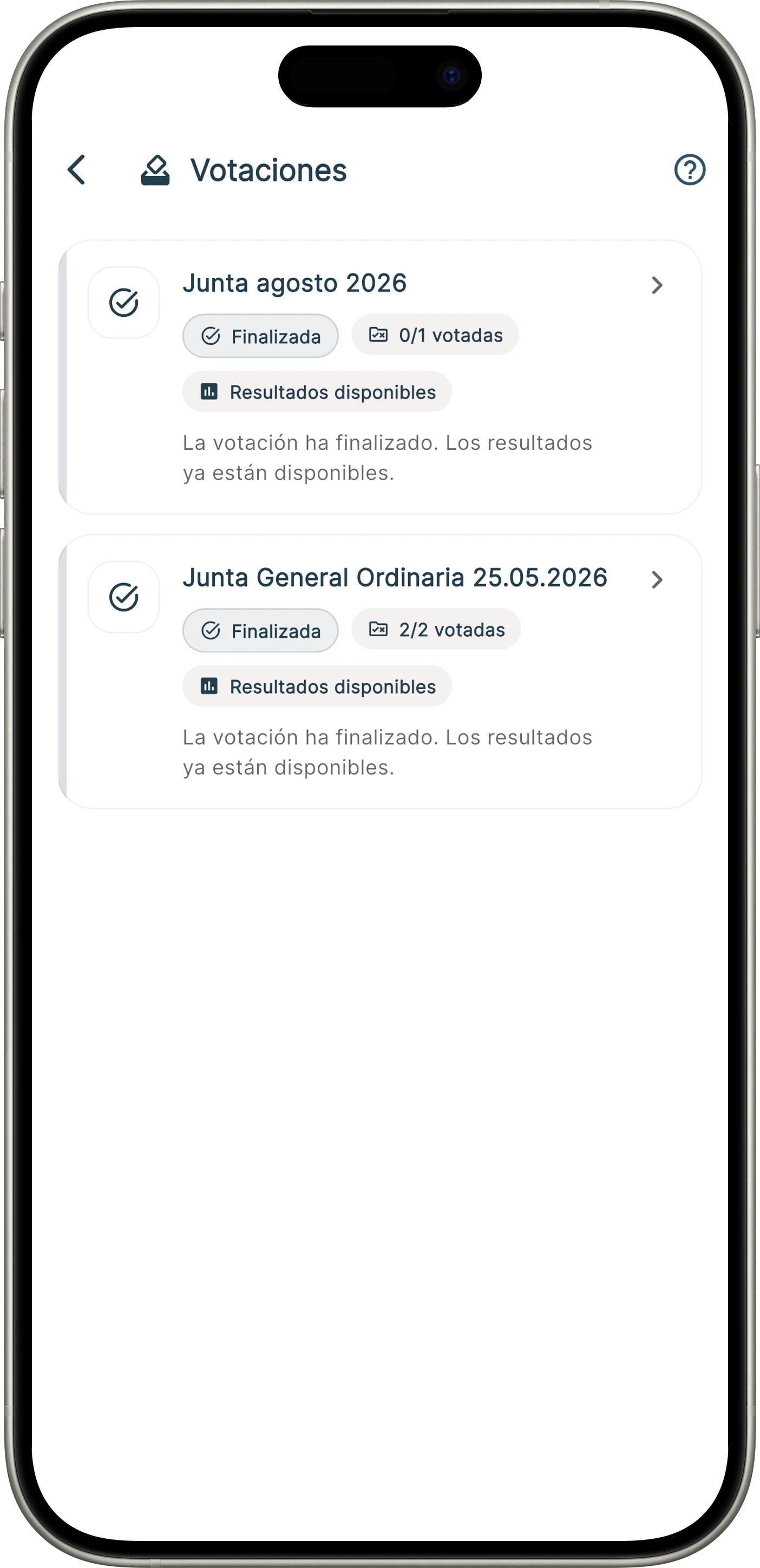
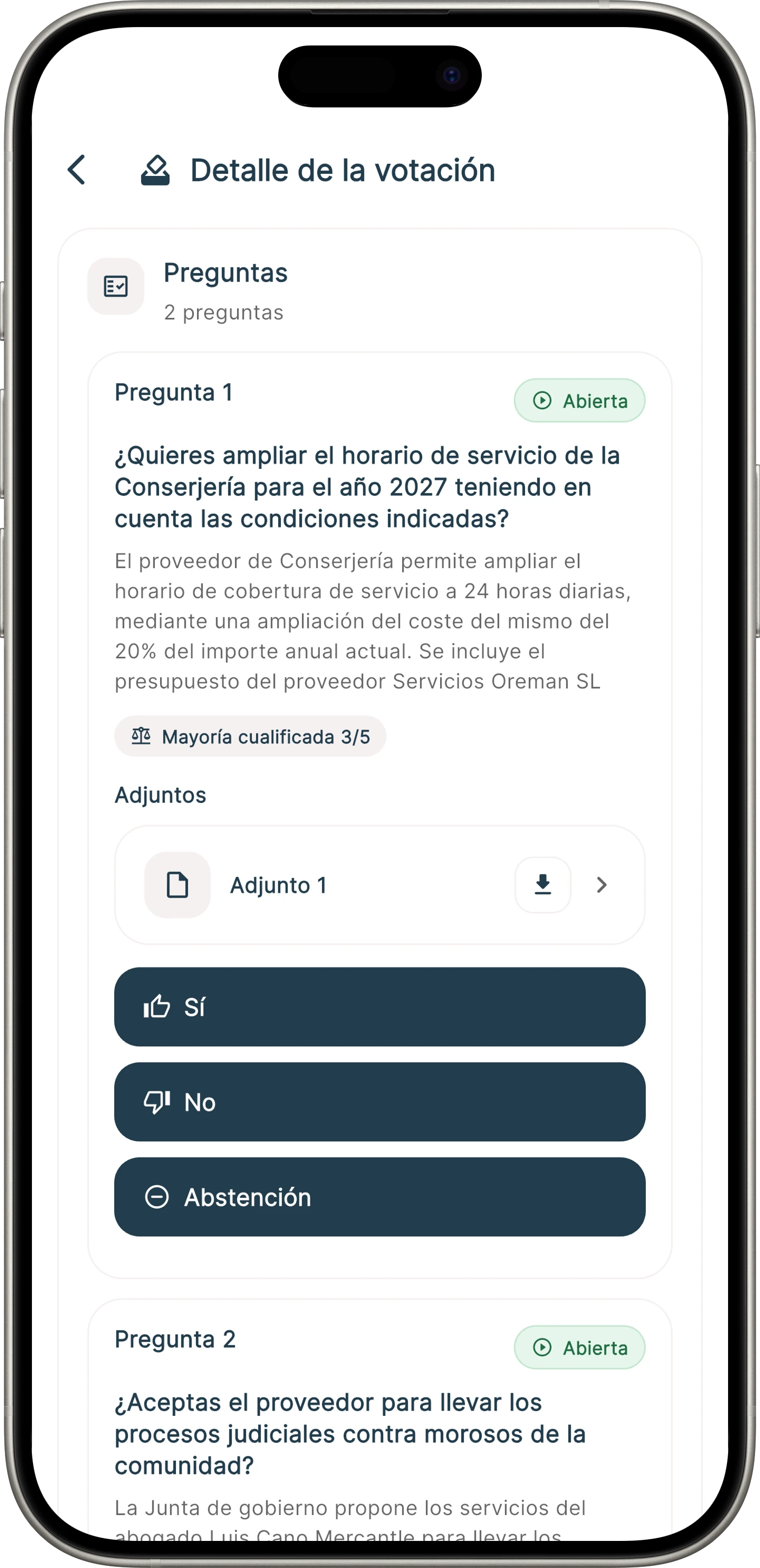
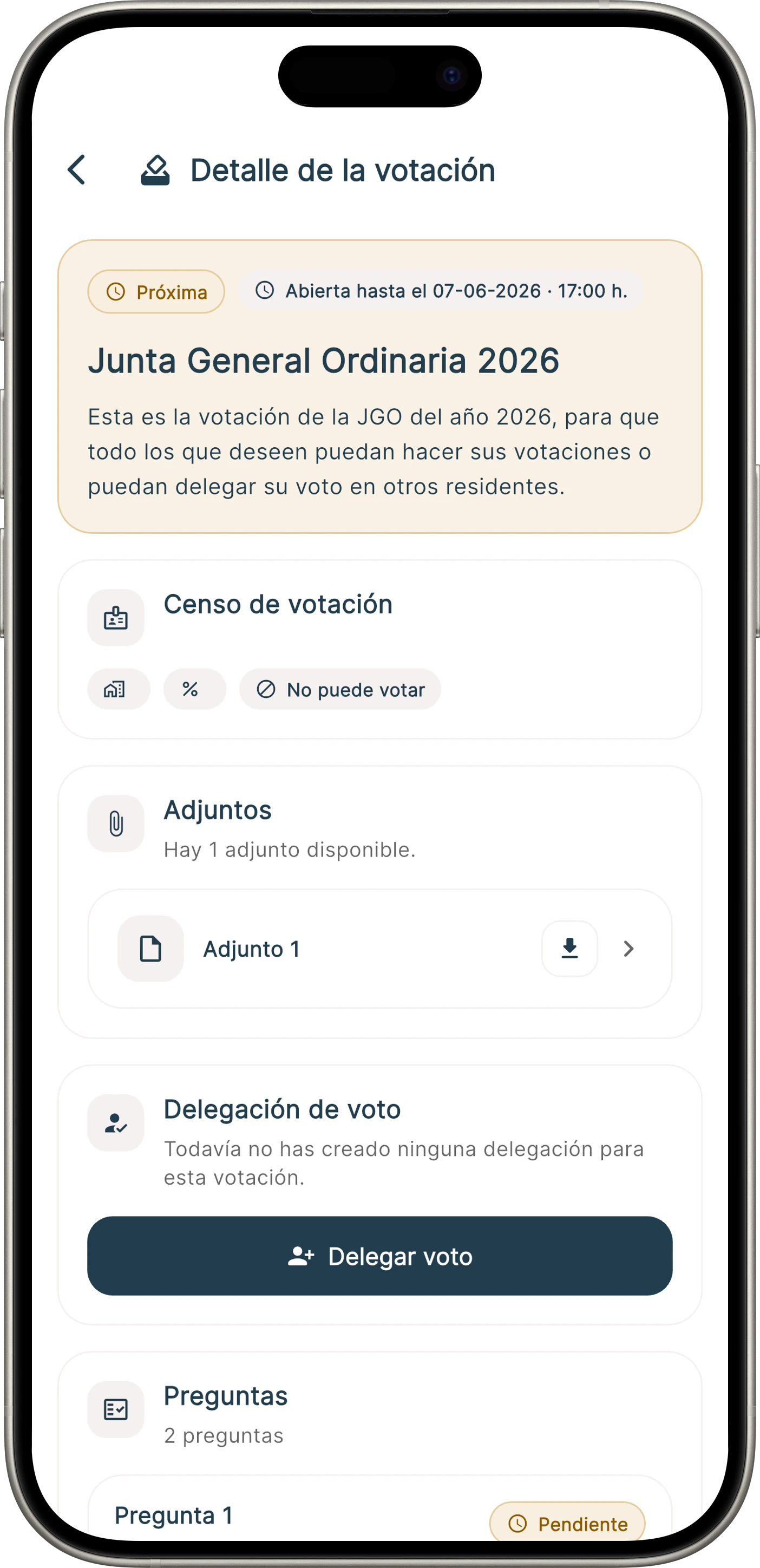
Residents can see the list of votes, open the detail of each process, delegate their vote or cast it when voting is open.
Vote list and status
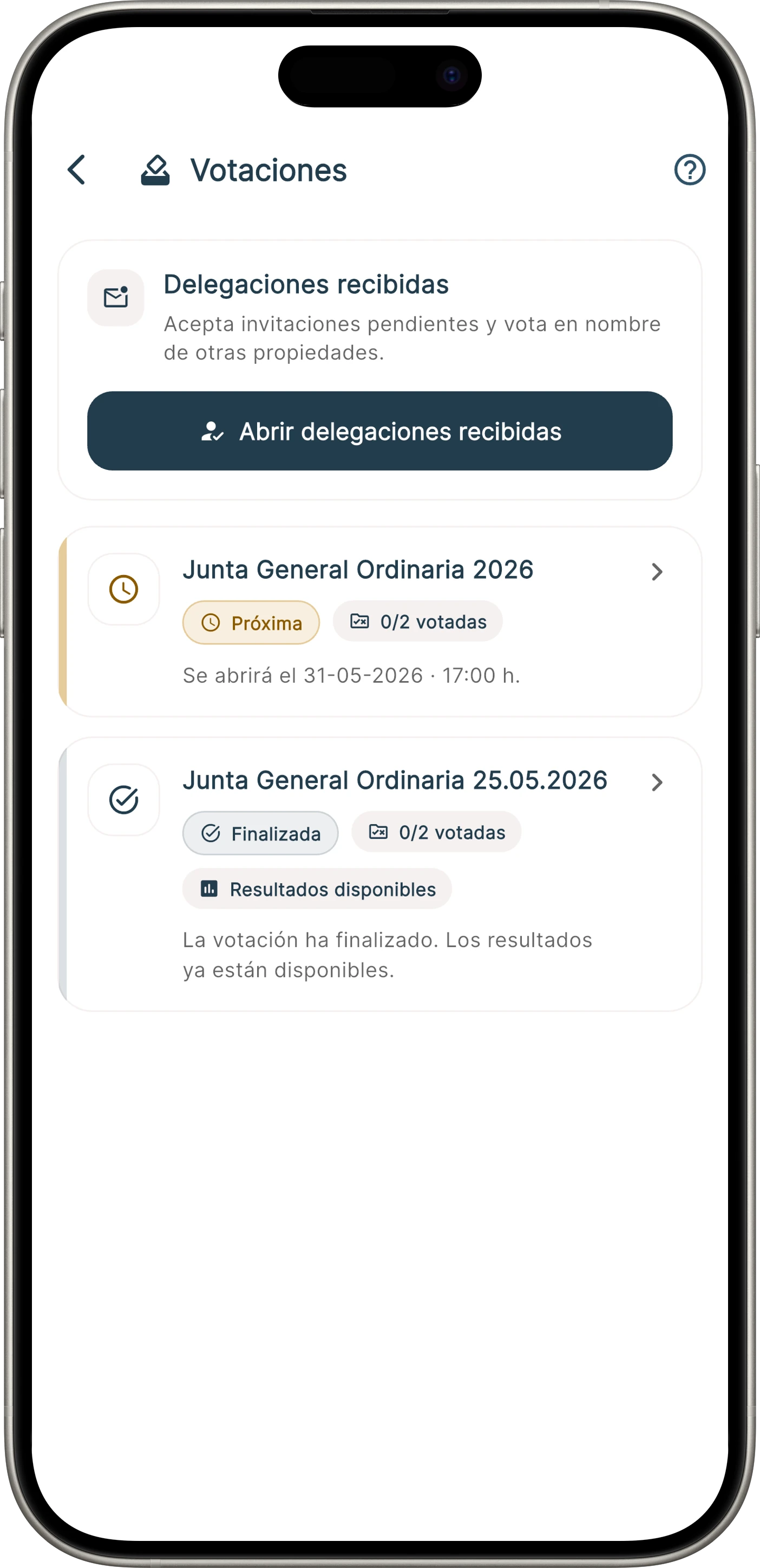
Vote detail
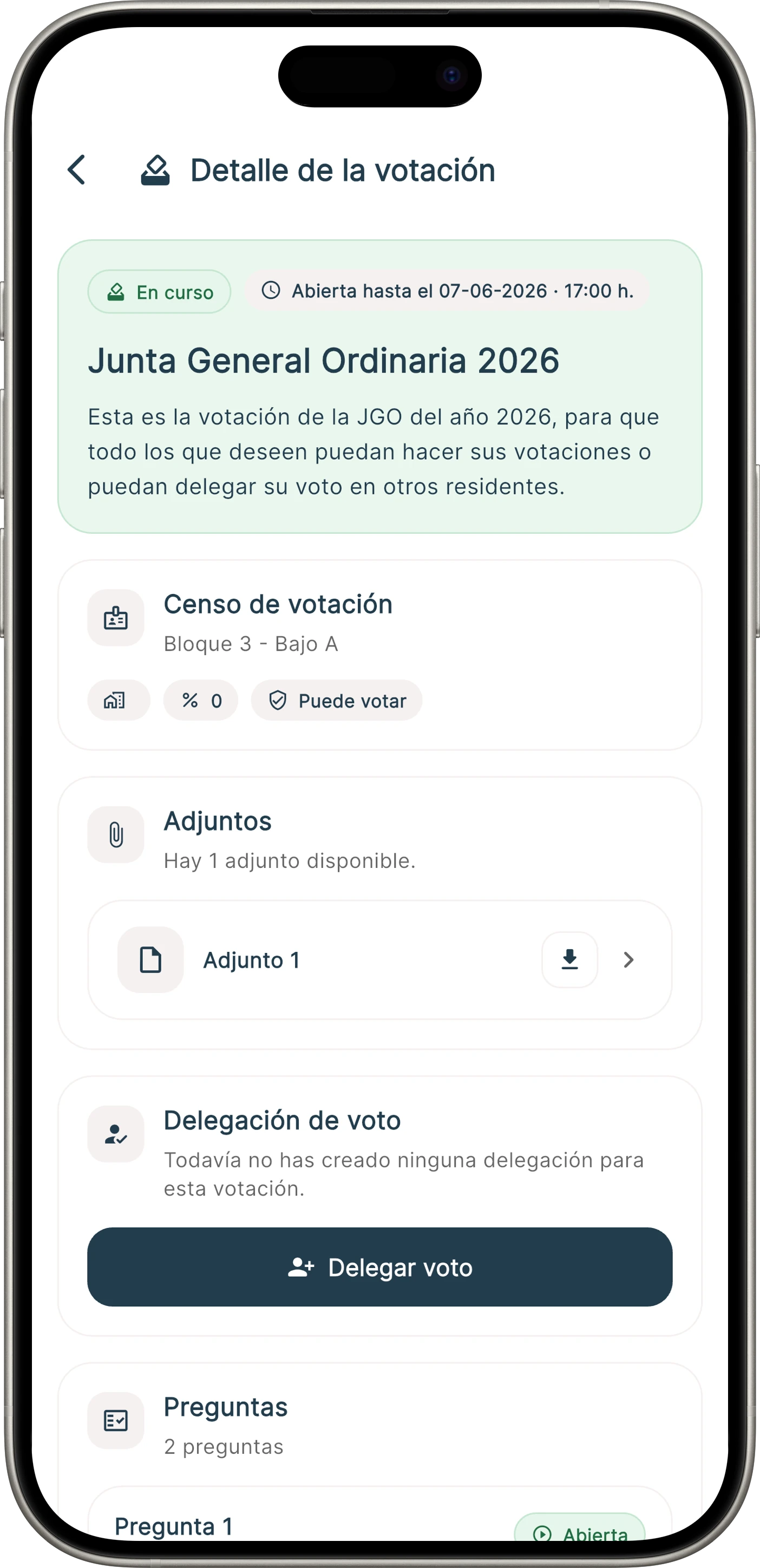
Vote casting
Proxy and representation
How online voting works in Onzane
The feature is designed so administrators do not lose legal or operational control when moving from traditional meetings to a digital channel.
1. Prepare the vote
Define the item, options, dates, participants and whether the result needs a simple, qualified or custom majority.
- Agenda item or agreement
- Voting roll and ownership shares
- Opening and closing rules
2. Collect votes
Residents can participate from the app when enabled. Administrators can review participation, proxies and process status.
- Online voting from mobile
- Proxy or representation
- Participation register
3. Close and document
When the vote closes, the system provides a result basis to review, document the agreement and complete the minutes with more confidence.
- Result by option
- Participation and majorities
- Evidence for the minutes
Traceability and evidence
A digital process needs evidence, not only votes
The practical strength of a vote depends on proving identity, participation, representation, majorities and result. Onzane is designed to organize that evidence and reduce manual errors.
Participant identification
Each vote is linked to the user, property or representation configured in the community.
Majorities and shares
The result can be reviewed considering participation, vote count and criteria linked to ownership shares or agreements.
Searchable history
The administration keeps a record to review the process, resolve questions and prepare the minutes or later documentation.
Frequently asked questions about online voting
Common questions when a community wants to move from informal votes or manual counts to a digital process.
Our newsletter inspires, informs and surprises
Don't miss our step, we are nonconformists