Payments from the app
Let residents pay for bookings or anything else in the community directly from the Onzane app.
Virtual wallet
Each property has its own virtual wallet
The wallet can be topped up whenever needed. Once it has balance, it can be used to pay for bookings, deposits, special assessments, community fees, or any other service added in the future.
- Lets all residents pay from the app
- The wallet is unique for each property
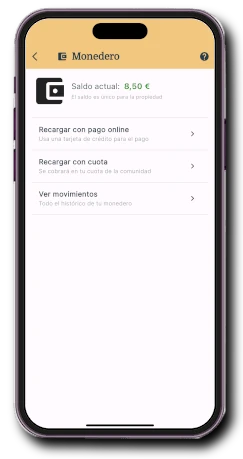
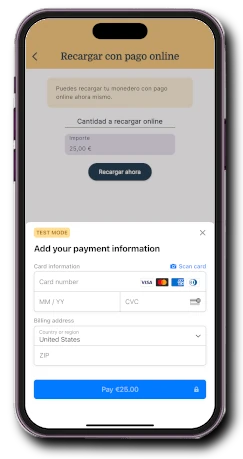
Bank card payment
Residents can pay with standard debit or credit cards
You can enable or disable this payment method globally or per property. Funds go directly to the community account through the integrated payment gateway.
- Makes payment easier for residents
- Card networks are available worldwide
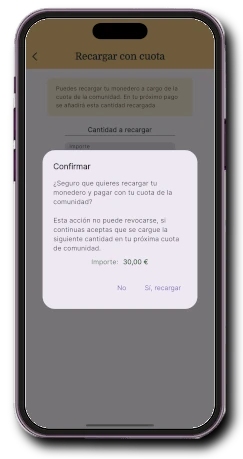
Charge to the community fee
Residents can pay against the next community fee
You can enable or disable this payment method globally or per property. It also supports reports to consolidate these payments into the community accounts.
- Lets residents pay through their usual system
- Makes instant wallet top-ups easier
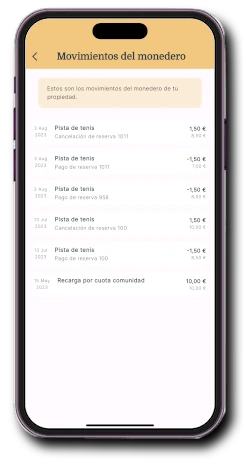
Transaction history
Residents can see how the wallet has been used
From the app they can see all wallet transactions: top-ups, balance usage, and refunds. Everything is recorded.
- Shows what the balance has been used for
- Every transaction is clearly listed
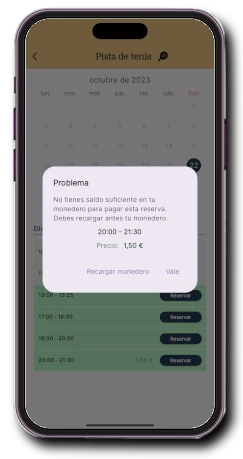
Pay per use
Booking payments and deposits already integrated
Residents can pay for the use of bookable facilities. Balance is returned when bookings are cancelled, and administrators can charge and refund deposits.
- Supports pay-per-use in specific time slots
- Deposits can be defined for facility use
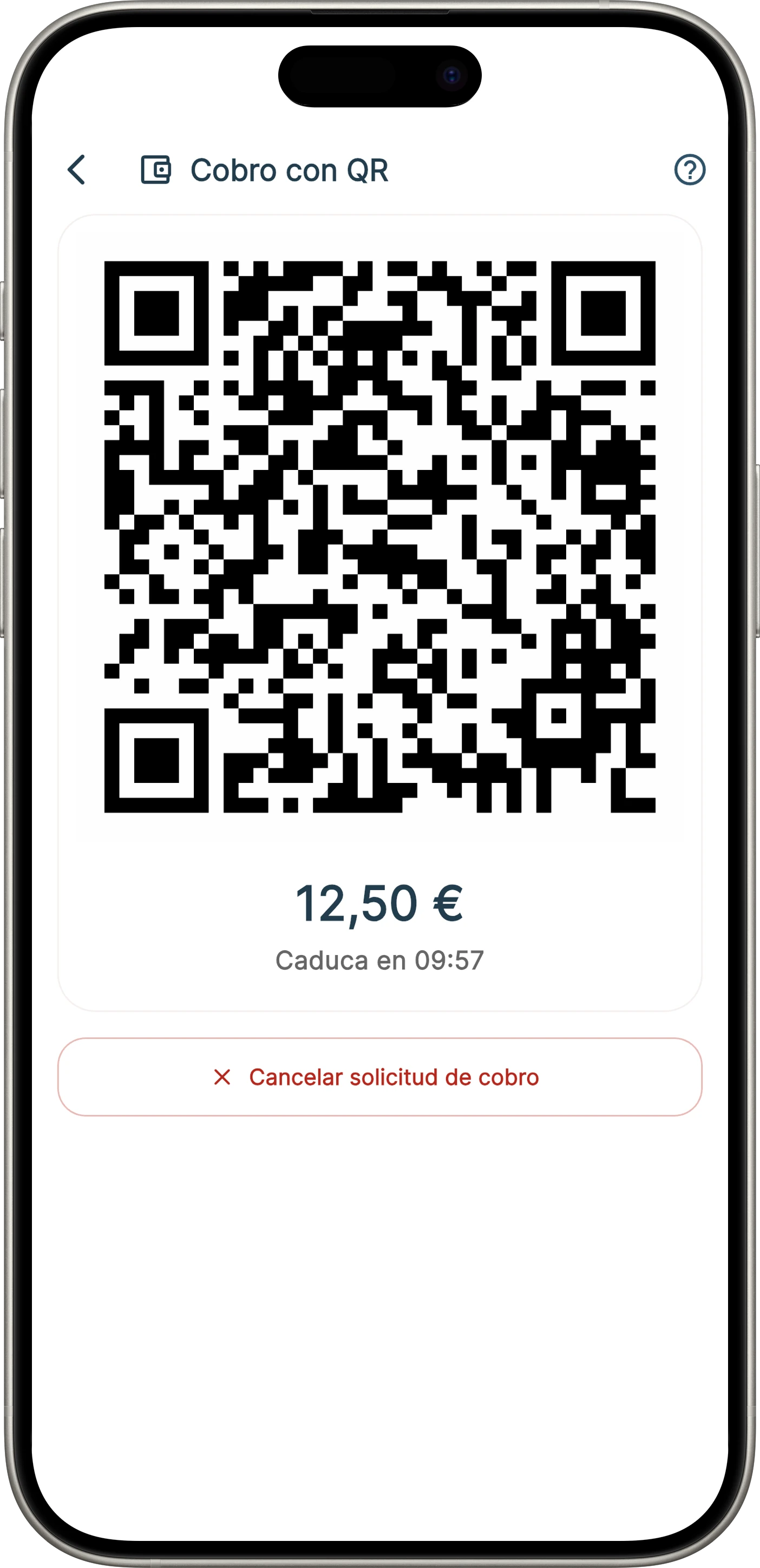
QR payment
Payment for services or products via QR
Residents can pay using a QR code generated by an employee to charge for any product or service provided by the community.
- Lets the resident confirm the payment.
- The payment flow is in-person, simple, and instant.
Example of topping up the wallet with card payment
The community administrator, from the Administrator Portal
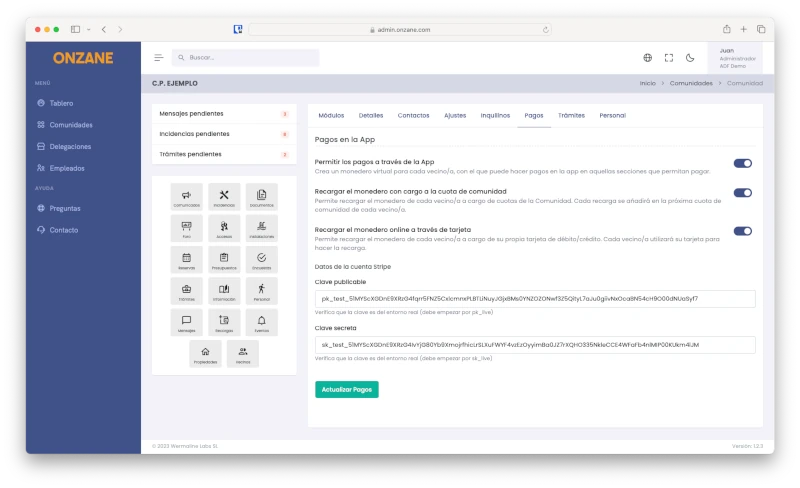
Enable or disable payments
Payments can be defined globally or per community property.
- Allow payments only for properties that are not in arrears.
- Define available payment methods for each property.
- Integrate Stripe as the payment gateway with Onzane.
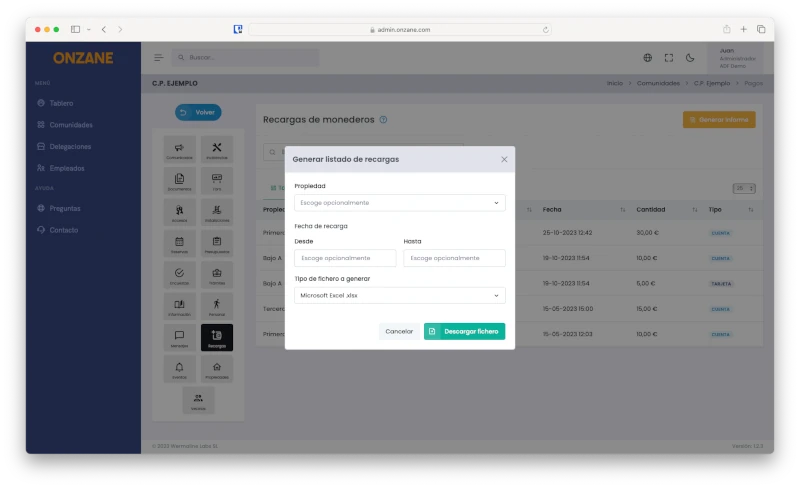
Top-up list
Access all wallet top-up movements made by residents.
- Generate top-up reports for accounting integration.
Frequently asked questions about payments
If you cannot find the answer to your question, you can always contact us.
Our newsletter inspires, informs and surprises
Don't miss our step, we are nonconformists